Tilda
Языки:
Deutsch
English
Español
Français
Portuguese
Русский
Український
Локализация:
Россия

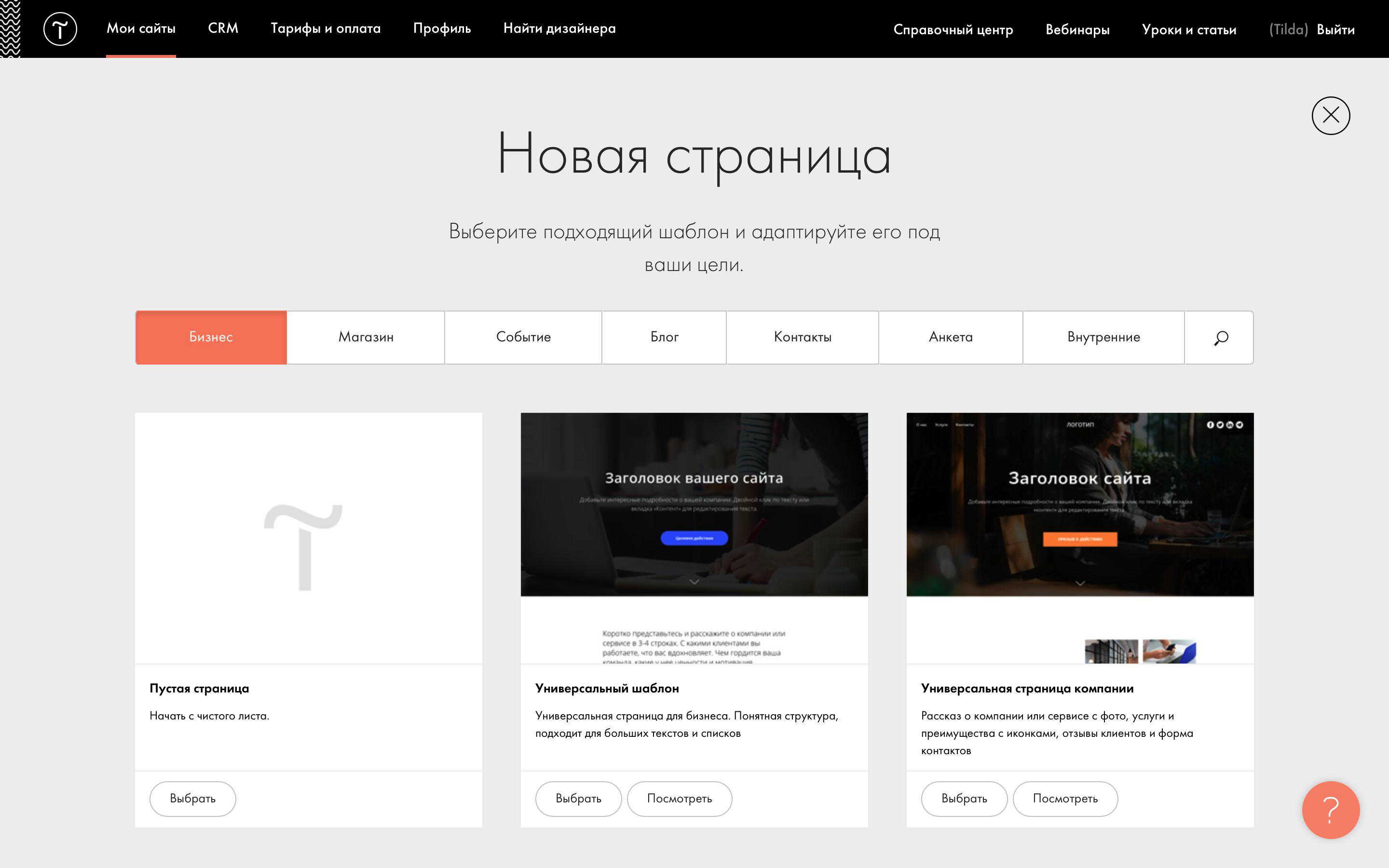
Tilda – это блочный конструктор сайтов, для пользования которым не требуются навыки программирования.
Данный конструктор позволяет создавать такие типы сайтов:
- обычный многостраничный сайт;
- Landing Page (посадочная страница);
- интернет-магазин;
- блог;
- email-рассылка.
В данном конструкторе неплохо проработана функция создания интернет магазина. Есть возможности выстраивания товаров по цене, популярности и пр. Также товары могут иметь различные вариации в своем описании – цвет, материал, производитель и пр.
Tilda позволяет подключать платежные системы, добавлять различные формы при помощи различных сервисов, осуществлять email-рассылку, подключать Google-analytics и пр.
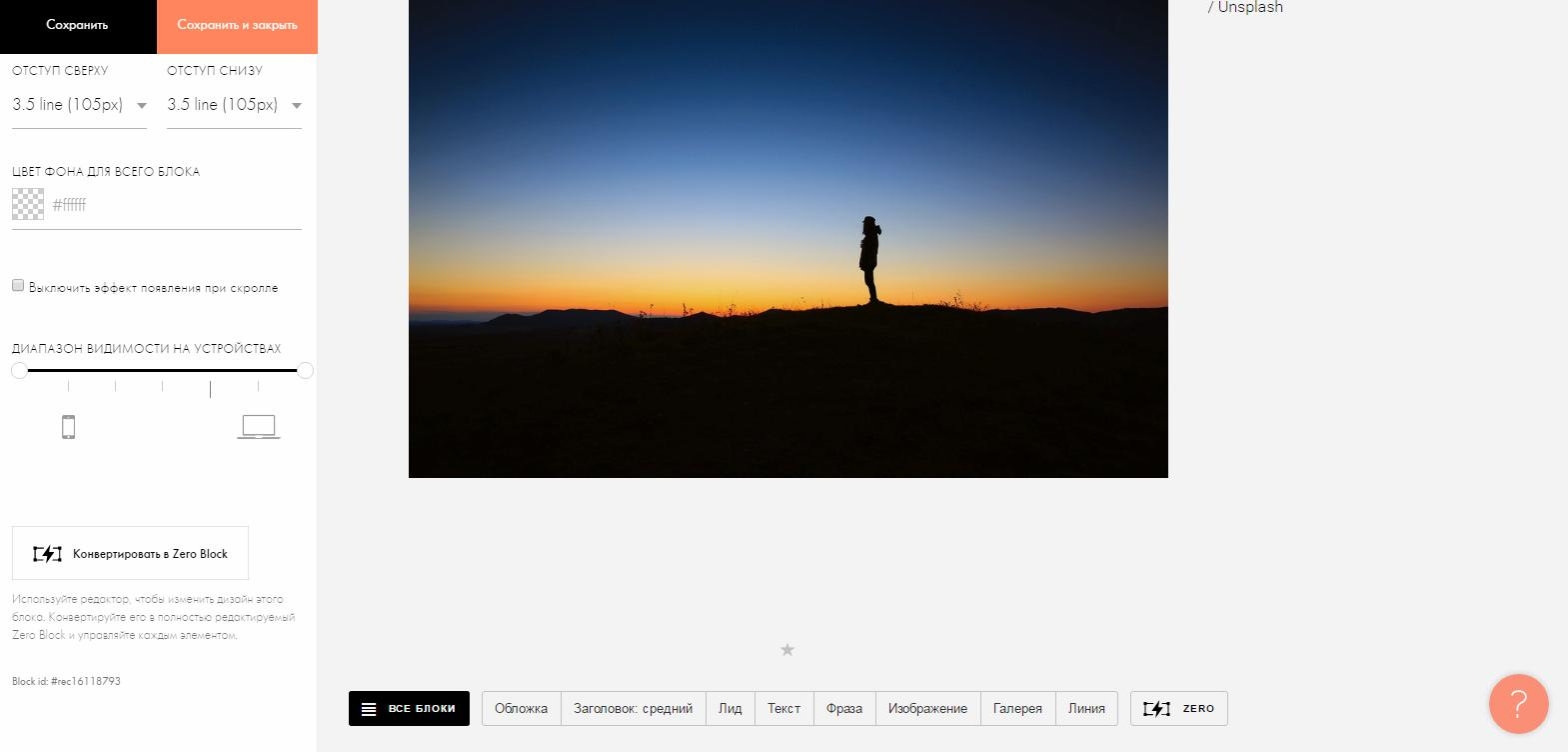
Очень важная функция для новичков – это использование WYSIWYG-редактор. Страницы собираются из готовых блоков и при редактировании сразу видно, как будут видеть нашу страницу другие пользователи.
2026-10-13 14:00:39: Vibe Coding or No-Code: New Block Updates Youtube
2026-10-02 15:23:09: How to Create a Thermal Text Effect on Hover Youtube
2026-09-25 03:25:26: How to Optimize Your Website to Get More Clients in 2026 Youtube
2026-09-23 15:03:45: How to Rank in AI Search: The Ultimate 2026 GEO Strategy Youtube
2026-09-16 16:00:34: How to Add Scroll-Triggered Video to Your Website Youtube
2026-09-10 14:53:21: How to Add a Scroll-Triggered Video to Your Website Youtube
2026-09-04 03:36:16: Vibe Coding vs No-Code: What Should You Use for Your Business? Youtube
2026-09-02 14:00:08: How to Build an Animated Product Page (Web Animation Tutorial) Youtube
2026-08-26 16:00:35: How to Add Typography Animation on Your Website Youtube
2026-08-20 14:29:10: How to Generate Leads with AI (Lead Magnet Tutorial) Youtube
2023-04-03 20:01:04: ⚡ Tilda Sаns is Tilda’s signature variable #typeface. As of today, anyone can download Tilda Sans for free and use it in any project, including commercial ones.
Download Tilda Sans for free: https://t.co/4oKvb5Yb5t https://t.co/lxpds8q9w8Twitter
2023-03-31 13:22:48: #madeontilda
Check out this clean and minimalist landing page of a team building app for remote employees 👉 https://t.co/ZoYbjzsEgS
👀: UI elements in web design
#nocode #design #ux #ui #webdesign #mvp #app #hr https://t.co/JyJbGFCiRtTwitter
2023-03-30 20:56:18: So... eager to add a quiz to your website? Share below 💫Twitter
2023-03-30 20:56:03: Step 4: Tailor the offer to fit the potential client’s specific requirements. Contact them to make a personalized offer 😎Twitter
2023-03-30 20:55:46: Step 3: Visitors will complete the quiz and share their contact info in the end. You'll see submissions in the CRM and in the "Leads" section of your personal account on Tilda.Twitter
2023-03-30 20:55:28: Step 2: Add questions, select desired types and answer formats, and fill in the required fields. Publish the page.Twitter
2023-03-30 20:55:11: Step 1: Choose the BF919 block "Multi-step form" in the "Form" category. If you want the quiz to open as a pop-up, add the BF920 block "Pop-up: Multi-step form."Twitter
2023-03-30 20:55:00: Did you know you can add a quiz on Tilda using built-in pre-designed blocks? Here’s how 👇
#marketingquiz #onlinequiz #digitalmarketingquiz #leadgenerationquiz #leadgeneration #nocode #website #tilda https://t.co/zMXzf3KnqmTwitter
2023-03-29 18:35:27: Live #Workshop: How To Build Online Courses in 2023
🗓️ April 4 at 11 a.m. EST / 5 p.m. CET
Learn how to add lectures, tests, assign tutors, sign up new students, and launch your #eLearning project!
Register for free: https://t.co/TUxhCVo72X
#OnlineCourse #OnlineSchool #nocode https://t.co/undNdakTPyTwitter
2023-03-27 19:21:51: How to add a footer on Tilda? Create a new page and design the footer either out of the blocks from the "Footer" category or with Zero Block. Then open Site Settings —> Header and Footer, and assign this page as a footer.Twitter
Tilda Аналоги




Tilda Отзывы и демо
Tilda Интеграции