Wrike
Languages:
Deutsch
English
Español
Français
Portuguese
Русский
Localization:
World

What is Wrike and how does it work?
Wrike is a cloud-based work management platform designed to help teams plan, execute, and track work in a single, structured environment. It combines project management, task tracking, collaboration, and reporting into one system, replacing fragmented workflows built on emails, spreadsheets, and disconnected tools. Wrike is used by teams of different sizes, from small departments to large enterprises, to coordinate complex work across roles, locations, and time zones.
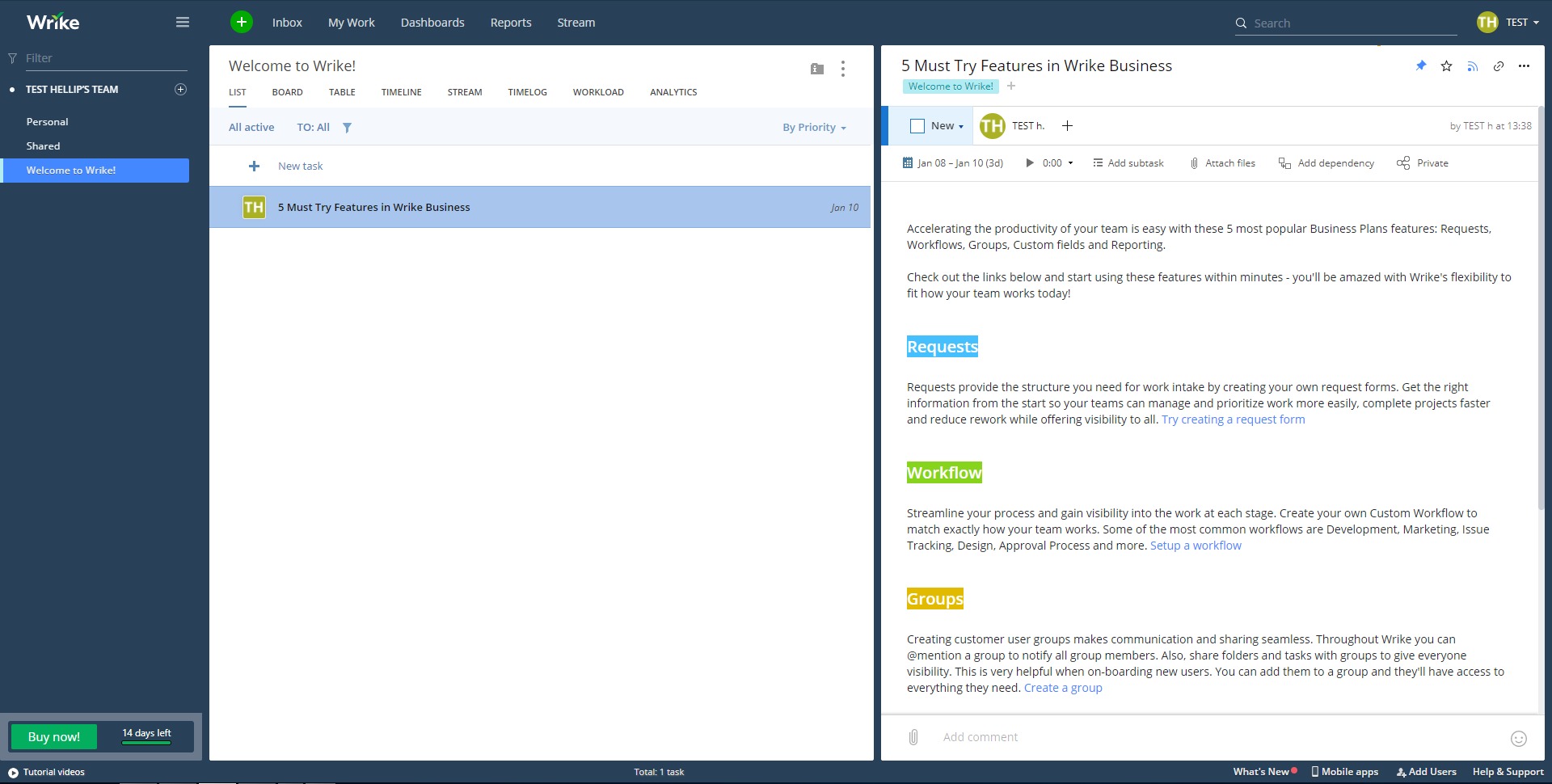
At its core, Wrike organizes work into projects, folders, and tasks. Each task can include assignees, deadlines, priorities, statuses, files, and discussions. Teams can view the same work in different formats such as task lists, boards, timelines, or calendars, depending on how they prefer to work. Real-time updates ensure everyone sees progress as it happens, helping teams stay aligned, reduce delays, and make decisions based on current data rather than assumptions.
What key features does Wrike offer?
-
Project and task management
Structure work into projects, tasks, and subtasks with clear ownership, deadlines, and priorities. Dependencies and milestones help teams manage complex timelines without losing control. -
Multiple work views
Switch between list, board, calendar, and timeline views to match different working styles. The same data adapts to planners, managers, and contributors without duplication. -
Custom workflows and statuses
Define workflows that reflect real business processes, including custom task statuses for different teams or departments, ensuring consistency and clarity. -
Collaboration and file management
Centralize comments, feedback, and file versions directly within tasks to keep discussions contextual and reduce back-and-forth communication. -
Automation rules
Automate repetitive actions such as task assignment, status changes, and notifications to reduce manual work and improve operational efficiency. -
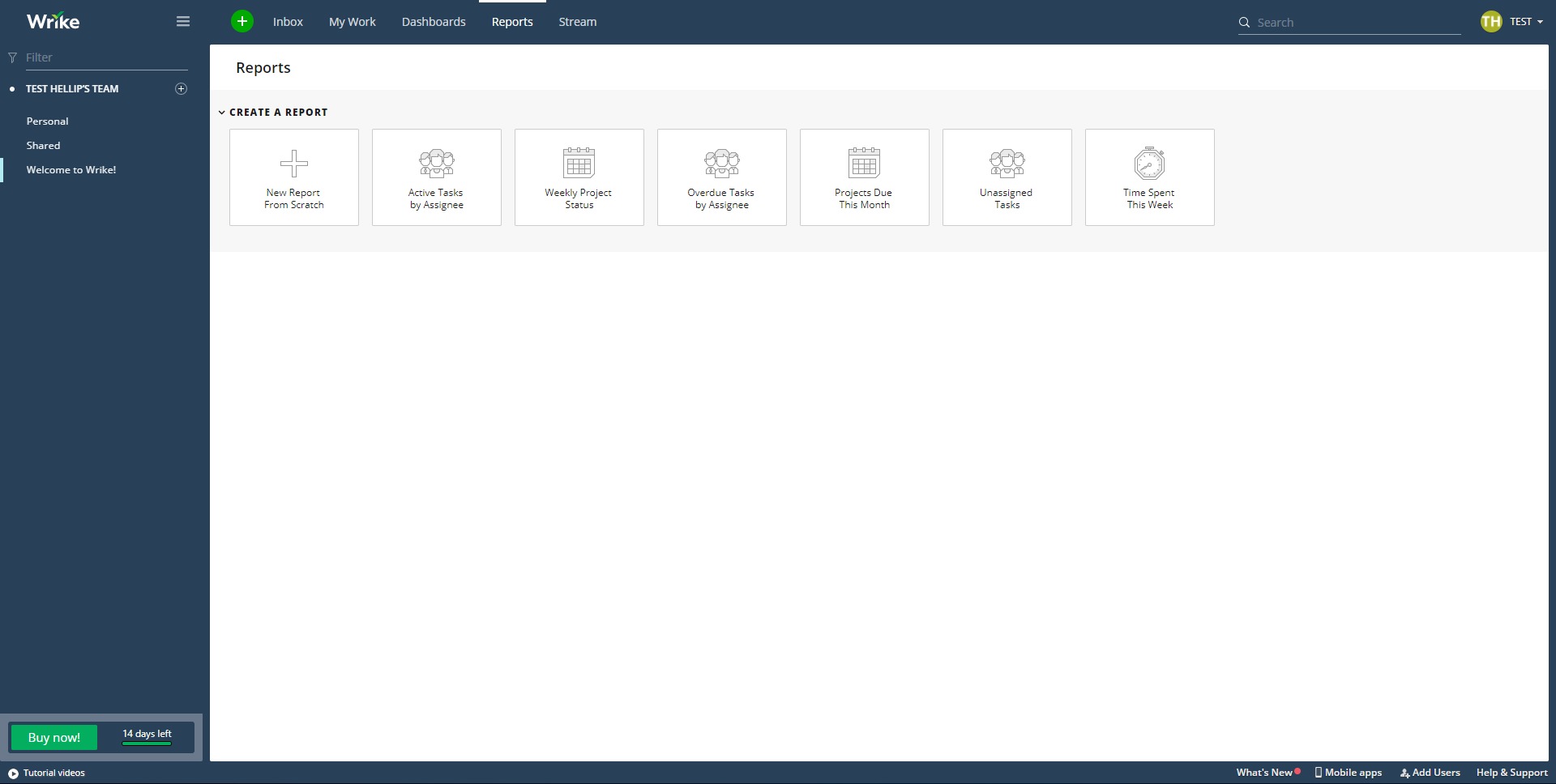
Dashboards and reporting
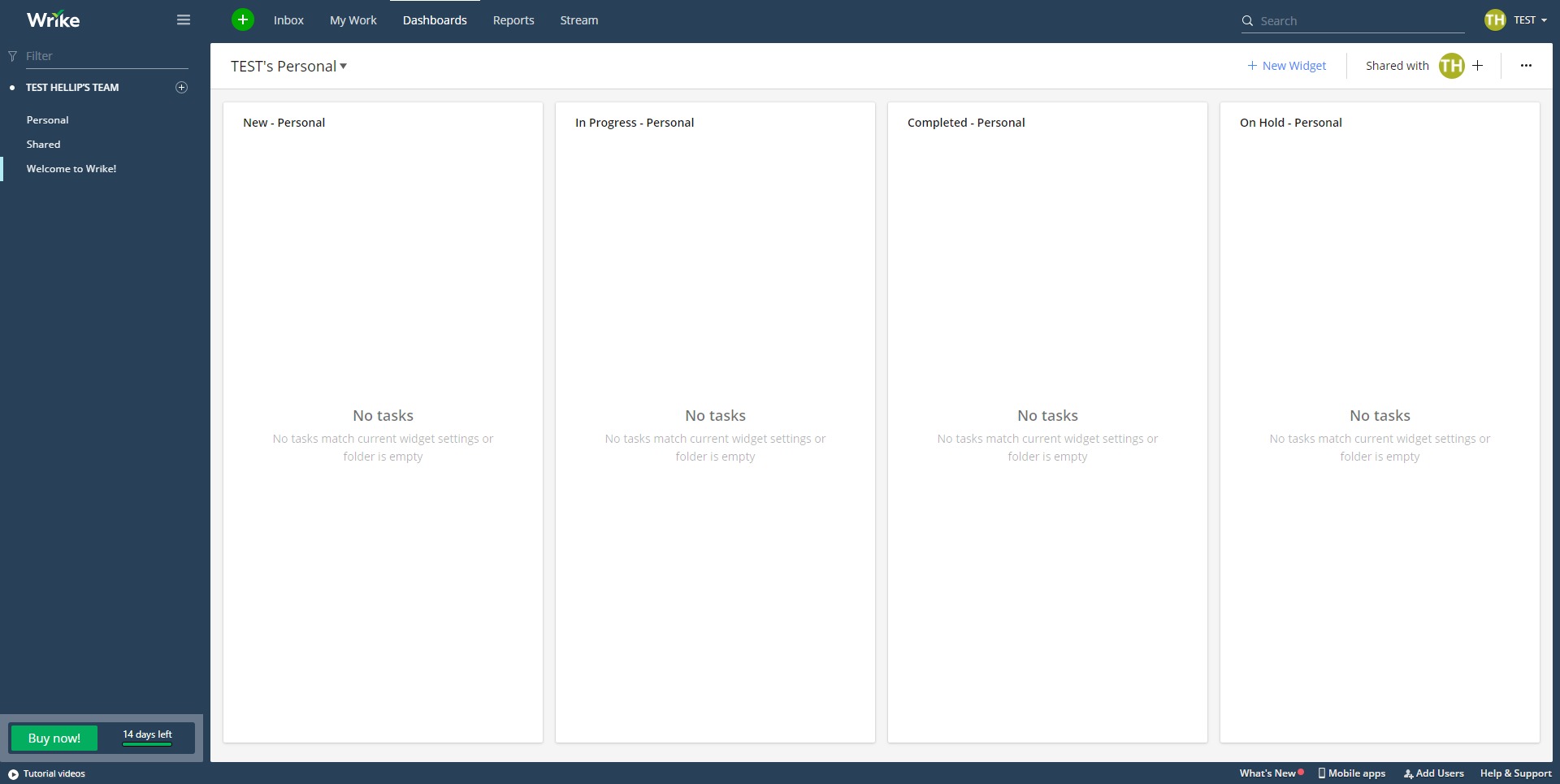
Build real-time dashboards and custom reports to track progress, workloads, deadlines, and performance across projects and teams. -
Resource and workload management
Visualize team capacity to balance workloads, identify bottlenecks, and plan future work more realistically.
What are common use cases for Wrike?
-
Cross-functional project coordination
Align marketing, product, design, and operations teams around shared goals while maintaining visibility into responsibilities and progress. -
Marketing and campaign management
Plan campaigns, manage content production, track approvals, and monitor deadlines across multiple channels and stakeholders. -
IT and operations projects
Organize system upgrades, internal initiatives, and process improvements with structured workflows and clear accountability. -
Professional services and agencies
Manage client projects, timelines, and deliverables while keeping internal teams and external collaborators aligned. -
Enterprise process standardization
Apply consistent workflows and reporting across departments to improve governance and predictability at scale.
What benefits does Wrike provide for teams?
Wrike improves transparency by giving everyone access to the same up-to-date view of work. This reduces status meetings, follow-up emails, and confusion about priorities. Teams benefit from clearer accountability, as responsibilities and deadlines are explicitly defined and visible.
The platform also supports better decision-making through real-time reporting and dashboards. Managers can identify risks early, adjust workloads, and reallocate resources before problems escalate. Automation and standardized workflows reduce operational overhead, allowing teams to focus more on execution and less on coordination. Over time, this leads to faster delivery, improved consistency, and higher confidence in planning outcomes.
What is the user experience like in Wrike?
Wrike offers a professional, structured interface designed for managing complex work rather than simple task lists. Users can customize their workspace with dashboards, views, and workflows tailored to their role. While the platform is powerful, it may require an initial setup phase to fully reflect a team’s processes.
Once configured, the experience becomes more efficient as users rely on consistent structures and automation. Notifications, activity streams, and filters help users focus on relevant work without being overwhelmed. Wrike is best suited for teams that value clarity, scalability, and control over their work processes and are willing to invest time in setting up a system that supports long-term growth.
2026-09-25 14:32:12: Board view - Learn to visualize project progress and create swimlanes using custom fields Youtube
2026-09-16 12:21:11: How Wrike CPO cleans backlogs in 60 seconds with Claude Youtube
2026-09-10 18:45:03: License Types in Wrike Youtube
2026-09-01 19:15:38: Identifying Margin Leaks in Professional Services: Key Moments of Profit Loss Youtube
2026-08-31 17:00:13: The Importance of Visibility in Project Delivery Explained Youtube
2026-08-28 22:30:23: How to Address Workflow Challenges in Complex Product Manufacturing Youtube
2026-08-27 21:33:20: What Centralized Buyers Should Look for in a Connected Work Platform Youtube
2026-08-25 13:45:56: What's New in Wrike - August 2026 Youtube
2026-08-20 21:56:17: Wrike Collaborate: New Conference Breakout Tracks Youtube
2026-08-20 21:54:25: AI Models Talking to Each Other: The Wildest AI Trend Right Now Youtube
2023-04-06 15:05:13: The future of intelligent work management is already here. 🦾 Learn more: https://t.co/tBuRBsecqa
#artificialintelligence #AI #machinelearning #ML #automation #workmanagement #projectmanagement https://t.co/wdReOcjczsTwitter
2023-04-06 02:36:05: Pavel Karachev understands the importance of first impressions in his role as Website Team Lead. Learn more about his career at Wrike here: https://t.co/hLpH7JzfmfTwitter
2023-04-04 15:55:11: Looking for a #workmanagement solution? Read this first ⬇️ https://t.co/9MStZhFjUNTwitter
2023-04-04 02:22:35: ⚡ Wrike Lightspeed is designed to make you EVEN MORE productive. ⚡
And we have new updates for you! From our brand new Work Item View to the new Table View, Navigation, and more, we're simplifying the user experience in different ways.
Check it out: https://t.co/XQlZ6WlrhbTwitter
2023-04-03 17:02:02: Create a social media calendar in 7 simple steps with our template guide!
#socialmedia #marketing #corporatemarketing #projectmanagement #workmanagement https://t.co/Xywtwy40t5Twitter
2023-03-31 22:01:28: Is your team being asked to do more with less? Spoiler, we all are these days. 😅 Here's how we can help: https://t.co/MU0vOfRb5p https://t.co/iOzVlXpBADTwitter
2023-03-31 01:00:54: What is #LeadTime, and why is it critical to #projectplanning? ⏱️
Learn the basics with our easy-to-follow guide: https://t.co/4Op7VDrpCp https://t.co/0obYMyJQR4Twitter
2023-03-28 17:40:11: Before coming to Wrike, Megan Lam was a team lead at LinkedIn. Check out her personal journey of going from Financial analyst to an SDR Manager, and why she decided to join Wrike: https://t.co/LptaSVp4Fn https://t.co/gBso8ws1iyTwitter
2023-03-27 17:01:17: Ready to level up your work management software? 💪💻📱 Here's why Wrike is the best ➡️ https://t.co/GUUb34BbJFTwitter
2023-03-24 21:01:28: Wrike #productanalyst Kirill Shmidt says #analytics departments should rely on math instead of tech. This may be critical during a year when results-driven work is so important. Discover why 🧐 https://t.co/UbzzyphnqeTwitter
Wrike Alternatives




Wrike Integrations