Redmine
Languages:
English
Русский
Localization:
World

What is Redmine and how does it work?
Redmine Open Source Project Management is a web-based application designed to help teams plan, track, and deliver projects with structured issue management. Built on Ruby on Rails, Redmine provides a centralized environment where multiple projects can be managed simultaneously, each with its own permissions, workflows, and configuration. It is self-hosted, giving organizations full control over data, infrastructure, and customization.
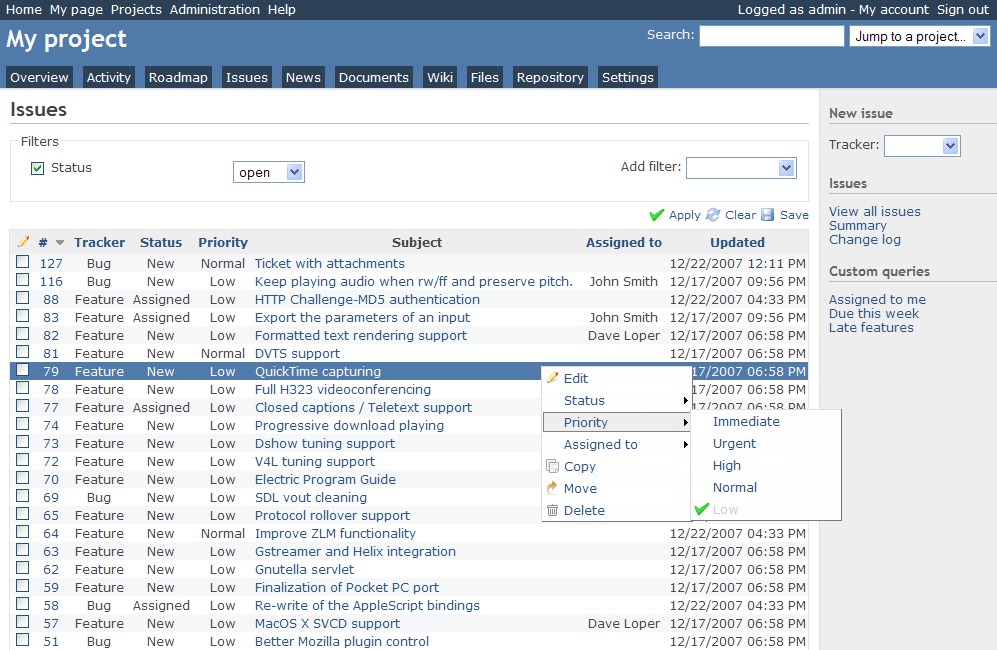
Redmine operates around the concept of “issues,” which can represent tasks, bugs, feature requests, or any work item. These issues move through configurable workflows and can be assigned to users, categorized, prioritized, and linked to milestones or versions. With support for multiple databases and operating systems, Redmine adapts to a wide range of technical environments. Its open architecture and plugin ecosystem make it suitable for both simple task tracking and complex enterprise-level project coordination.
What key features does Redmine provide?
-
Multi-Project Management
Manage unlimited projects within a single system. Each project can include subprojects, creating hierarchical structures for large initiatives or product portfolios. -
Advanced Issue Tracking
Create, assign, prioritize, and track issues with custom statuses and workflows. Dependencies and parent-child relationships help structure complex tasks. -
Custom Workflows and Fields
Define issue types, custom fields, and transitions to reflect real organizational processes rather than forcing teams into rigid templates. -
Role-Based Access Control
Fine-grained permission management allows administrators to control what each user or group can view or modify within each project. -
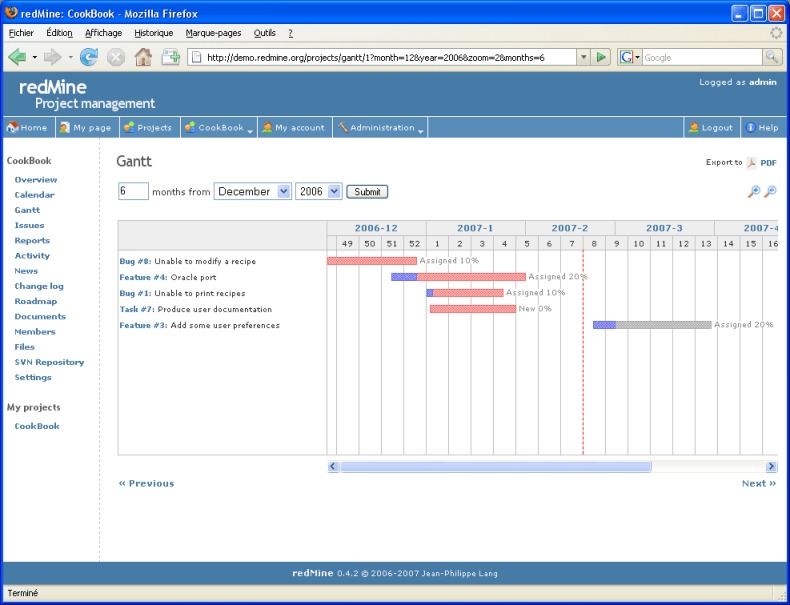
Gantt Charts and Roadmaps
Visualize timelines, milestones, and dependencies through automatically generated Gantt charts and version-based roadmaps. -
Time Tracking and Reporting
Log hours directly on issues and generate reports for productivity analysis, billing, or resource planning. -
Wiki and Documentation Tools
Each project includes a built-in wiki for documentation, knowledge sharing, and process guidelines. -
Integration with Version Control Systems
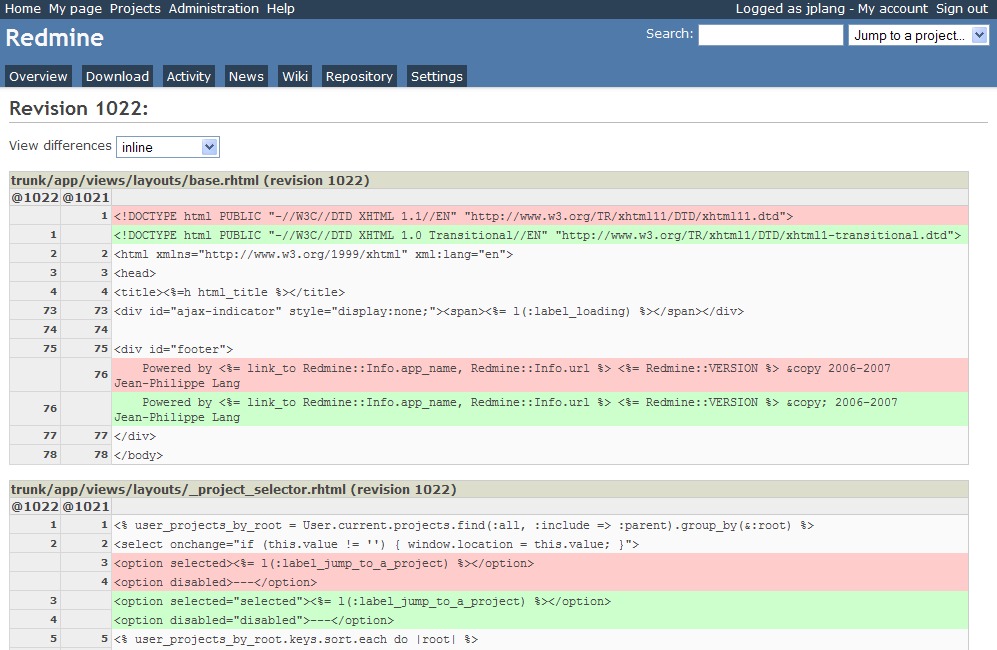
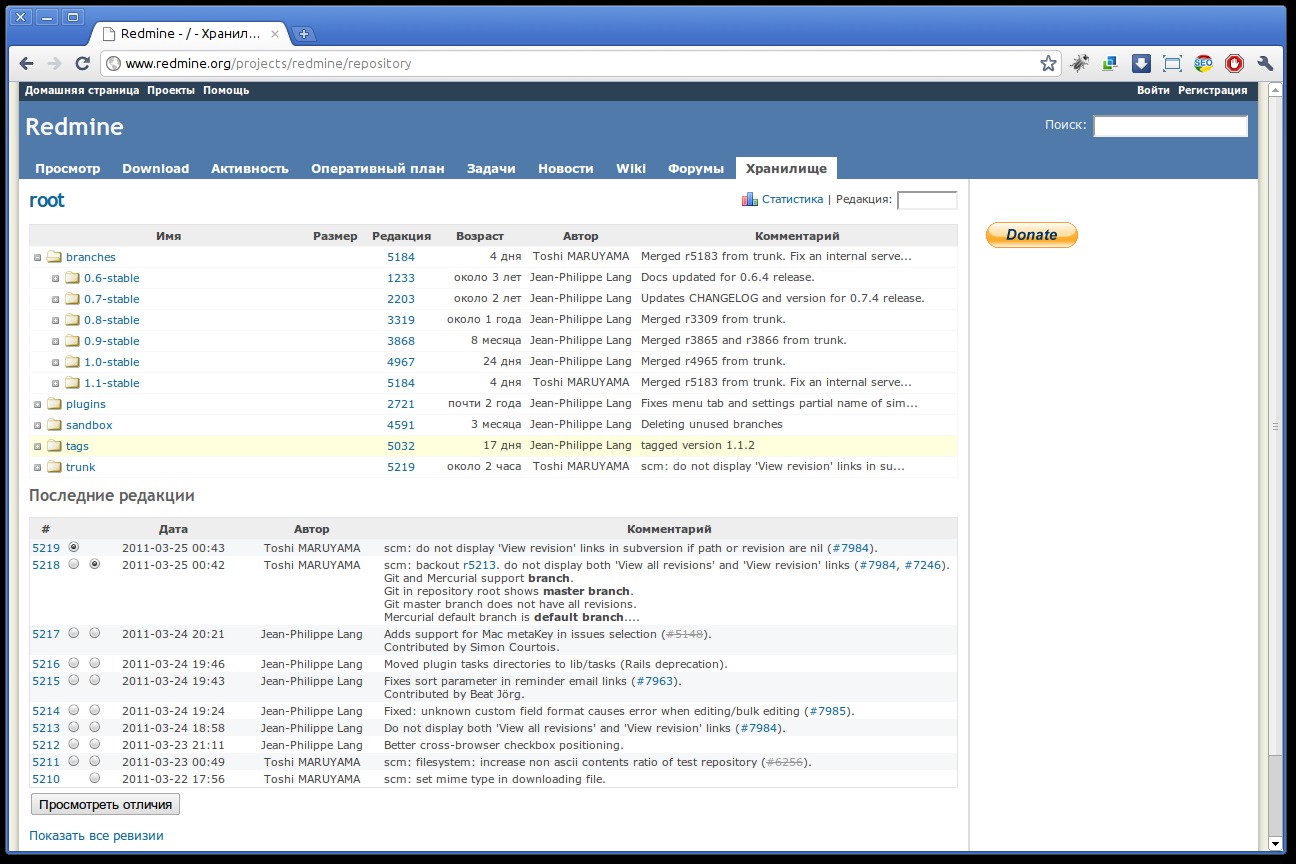
Connect repositories such as Git or Subversion to link commits with related issues for traceability. -
Plugin and Theme Ecosystem
Extend functionality through community plugins, adding agile boards, CRM modules, help desk capabilities, and more.
How can Redmine be used in real scenarios?
-
Software Development Teams
Track bugs, manage feature requests, organize sprints, and connect code commits directly to project issues. -
IT Service Management
Use issue tracking for internal support requests, incident management, and operational task coordination. -
Product Development Roadmapping
Structure releases by versions, assign milestones, and monitor progress across multiple departments. -
Agencies and Consultancies
Log billable time, track client projects separately, and maintain documentation within project-specific spaces. -
Cross-Department Collaboration
Manage marketing campaigns, research projects, or operational improvements using customizable workflows.
Why choose Redmine over other project management tools?
Redmine Open Source Project Management offers structural control without recurring licensing fees. Its open-source nature eliminates vendor lock-in and allows full customization. Organizations retain ownership of their data and infrastructure while benefiting from a mature, stable codebase.
The platform supports scalability. Small teams can start with basic issue tracking, while larger enterprises can build complex systems with plugins and integrations. Because workflows are configurable, Redmine adapts to Agile, Waterfall, or hybrid methodologies.
Security is strengthened through role-based permissions and private projects. For organizations operating in regulated industries or requiring internal hosting policies, self-deployment is a major strategic advantage.
From a cost perspective, Redmine reduces long-term expenses by avoiding per-user subscription pricing. The primary investment shifts toward hosting and configuration rather than licensing.
What is the user experience like in Redmine?
The Redmine interface is functional and structured rather than visually complex. Navigation centers around projects, issues, and activity streams. Dashboards display recent updates, assigned tasks, and project news. Filtering and sorting tools allow users to quickly locate specific issues or reports.
While the default design emphasizes practicality, themes can enhance visual presentation. The learning curve is moderate; administrators benefit from understanding workflow configuration and permission management, while end users typically adapt quickly to issue creation and tracking.
For technical teams, integration with repositories and automated notifications improves transparency. Managers gain visibility through reports, time logs, and milestone tracking. Documentation through the wiki reduces knowledge fragmentation.
Redmine Open Source Project Management is best described as a flexible backbone for structured collaboration. It prioritizes control, extensibility, and transparency, making it particularly attractive to teams that value customization and infrastructure ownership over purely SaaS convenience.
Redmine Alternatives




Redmine Integrations