Redbooth
Languages:
Deutsch
English
Español
Français
Localization:
World

What is Redbooth and what does it do?
Redbooth is a cloud-based project and task management platform designed to help teams organize work, collaborate in real time, and keep projects moving forward without unnecessary complexity. It brings tasks, conversations, timelines, and reporting into a single workspace so teams can clearly see priorities, responsibilities, and progress. Redbooth focuses on structured execution rather than bloated configuration, making it suitable for teams that want clarity and control without heavy process overhead.
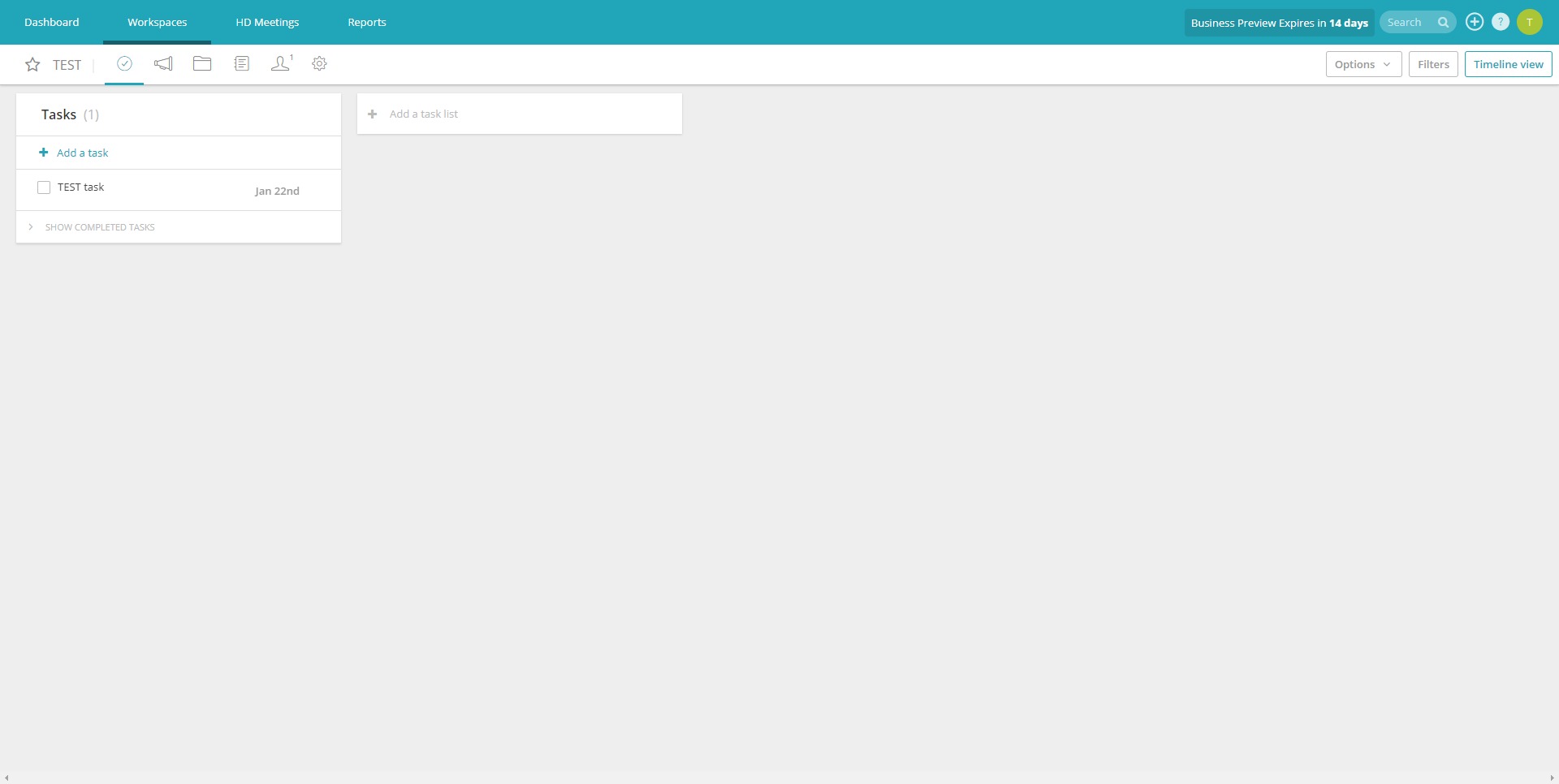
The platform supports different working styles, from simple task lists to visual Kanban boards and timeline-based project planning. Communication is embedded directly into tasks, which helps teams avoid context loss and long email threads. With built-in collaboration tools and clear accountability mechanisms, Redbooth aims to reduce friction in everyday teamwork and improve delivery speed across projects, especially for distributed and cross-functional teams.
How does Redbooth help teams manage projects effectively?
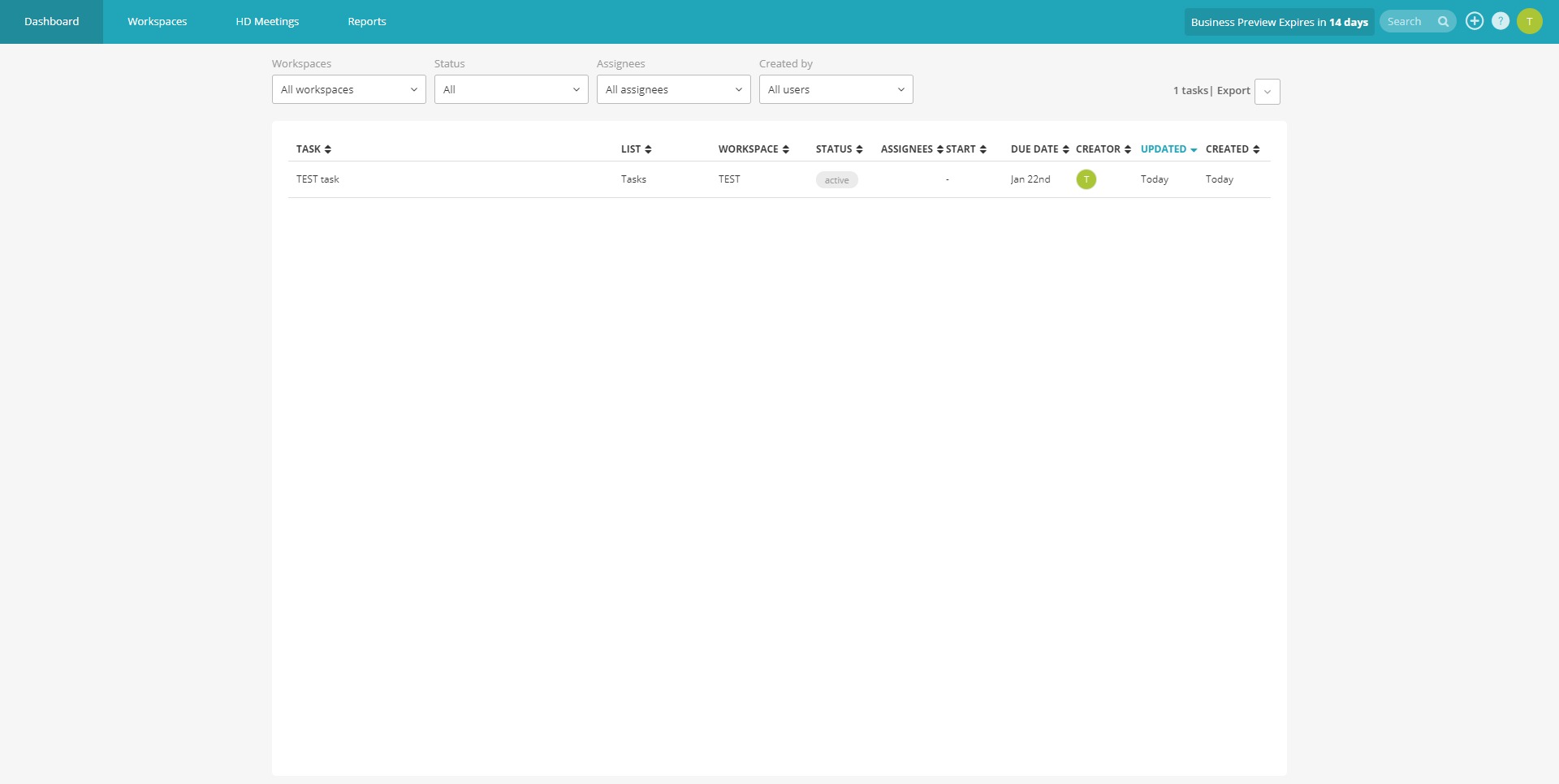
Redbooth structures work around projects and tasks, allowing teams to break down goals into actionable steps and track execution from start to finish. Each task can be assigned, prioritized, scheduled, and discussed in one place. Multiple views make it easy to switch between daily execution and high-level planning, ensuring both contributors and managers stay aligned.
Key Features
-
Task and Project Management
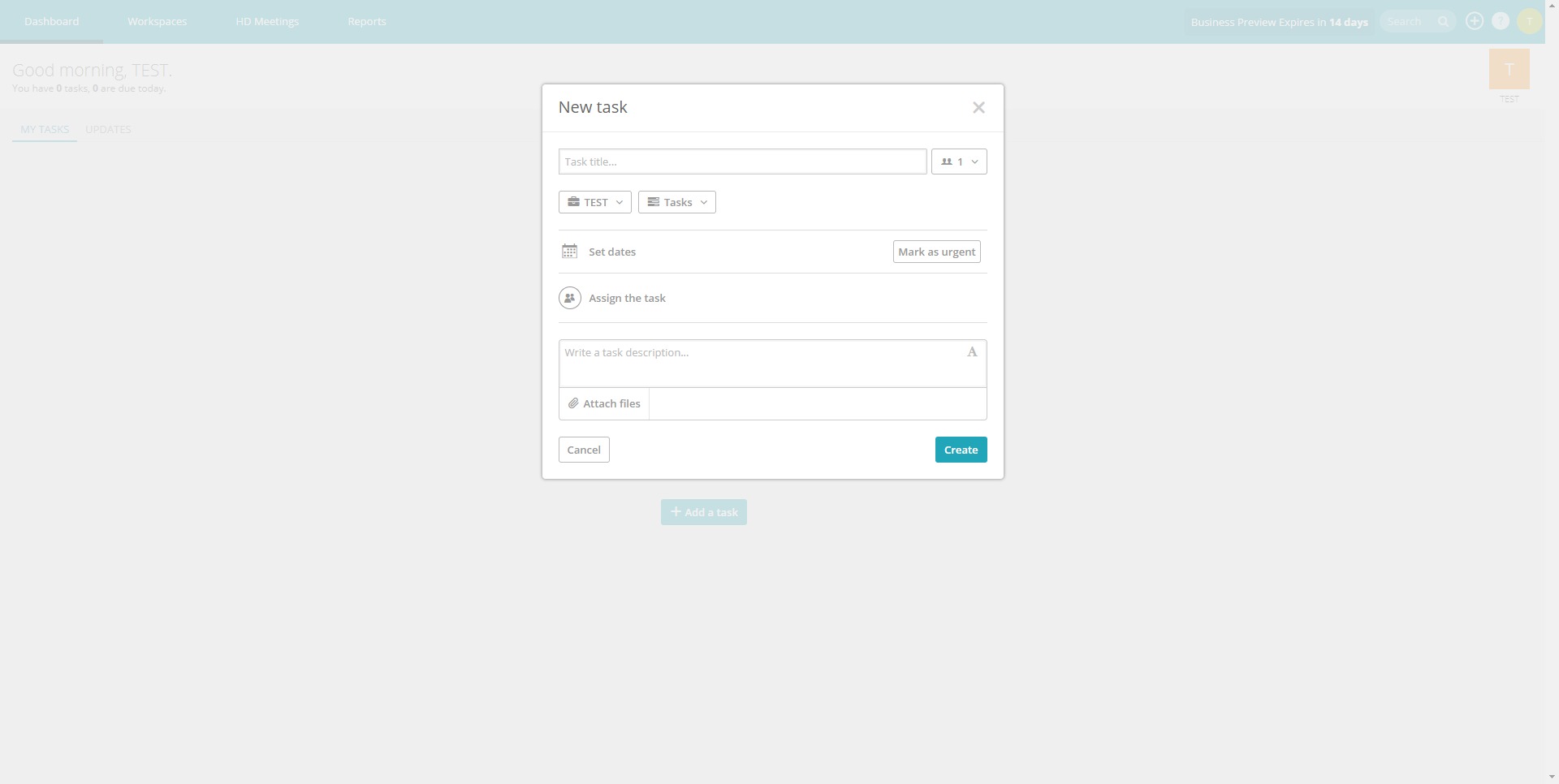
Tasks can be created with owners, due dates, priorities, and descriptions. Projects group related tasks together, providing a clear structure for both short-term work and long-running initiatives. -
Multiple Work Views
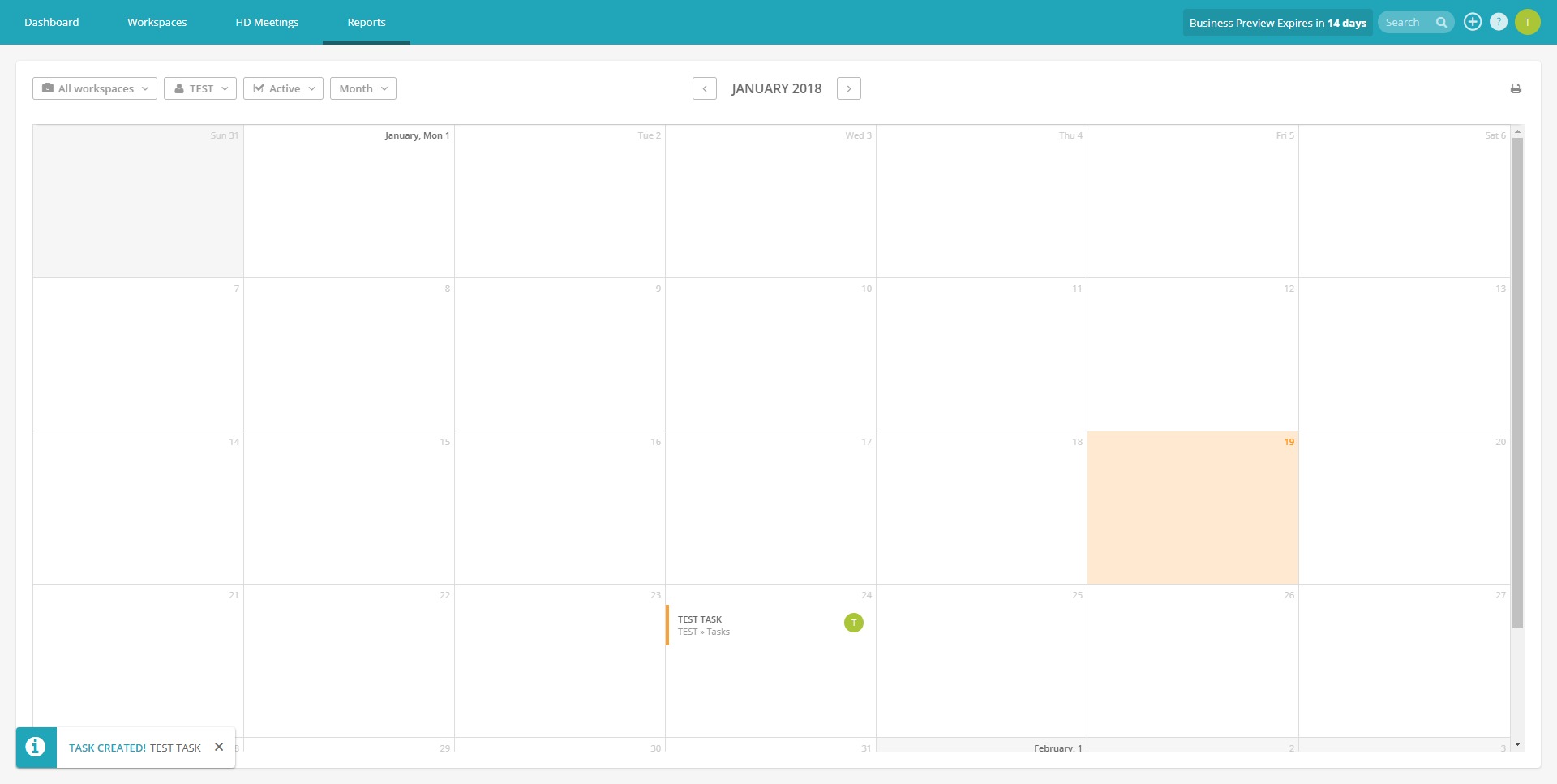
Teams can choose between list views for detailed task tracking, Kanban boards for visual workflow management, and timeline views for planning dependencies and milestones. -
Built-in Team Communication
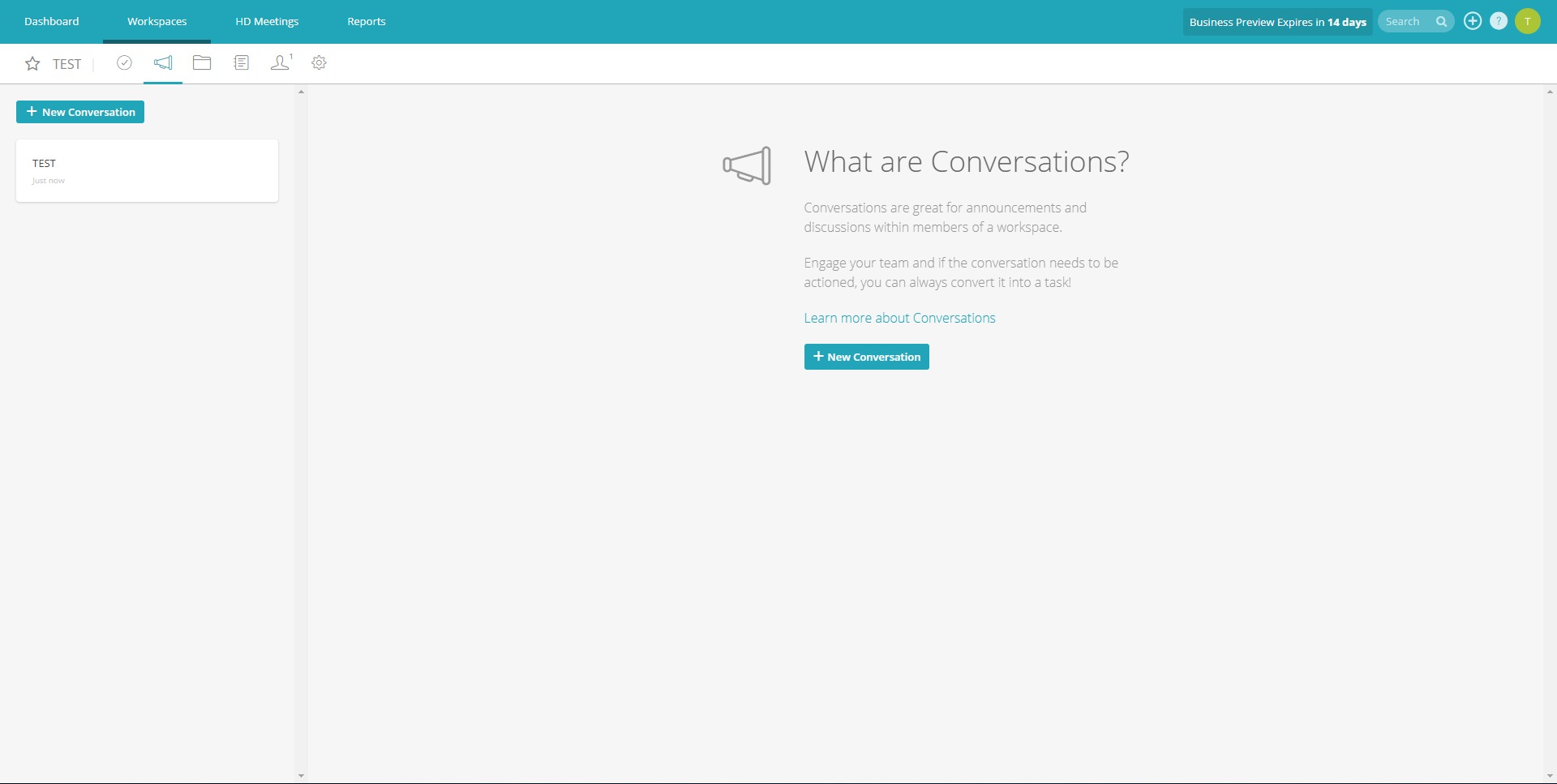
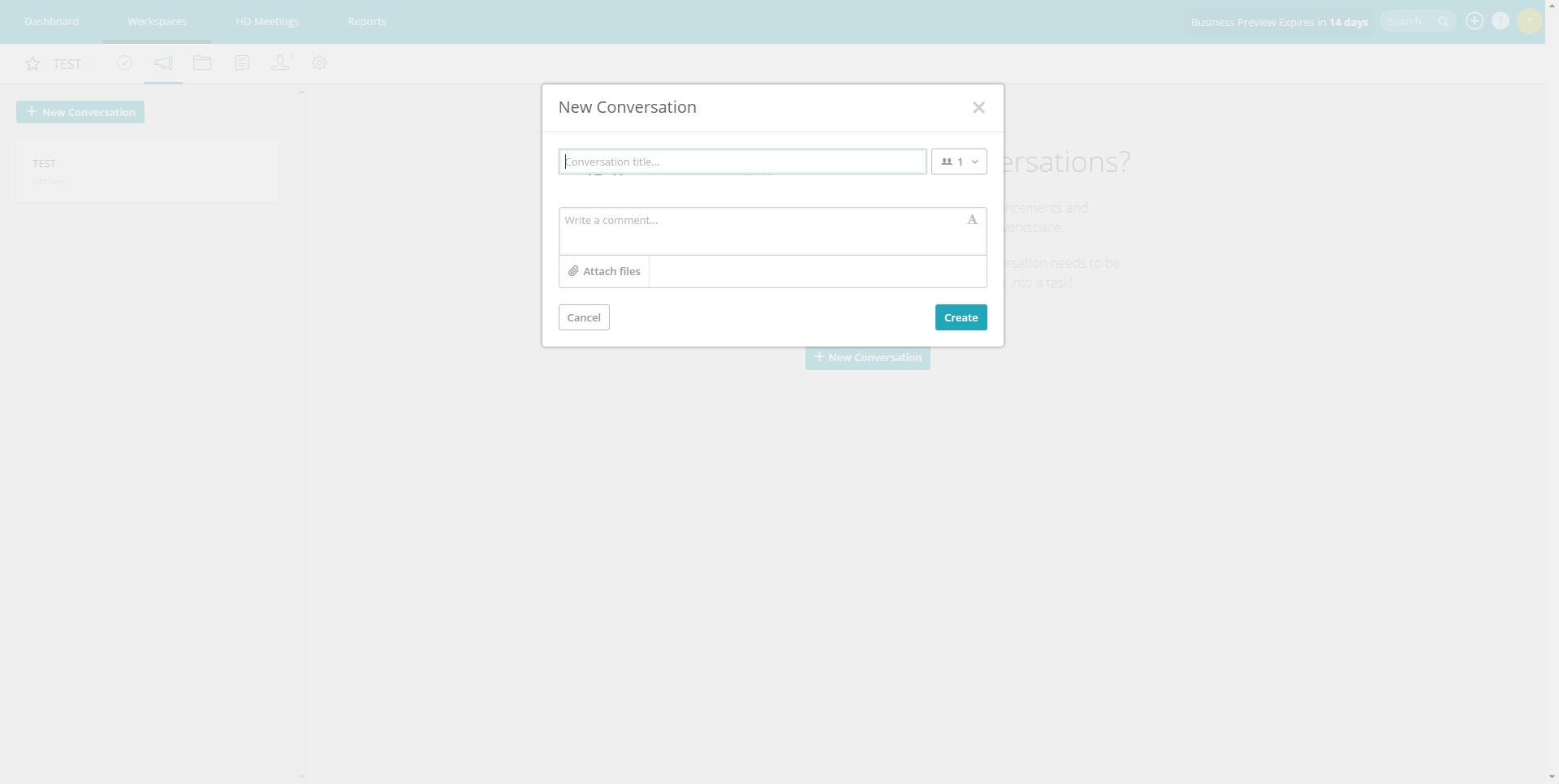
Comments, mentions, and discussions live directly inside tasks, keeping conversations tied to actual work and reducing miscommunication. -
File Sharing and Attachments
Files and documents can be attached to tasks and projects, ensuring that all relevant materials stay accessible and connected to the work they support. -
Dashboards and Reporting
Visual dashboards provide insight into project progress, overdue tasks, and team workload, helping managers spot bottlenecks early. -
Mobile Accessibility
Mobile apps allow users to update tasks, track progress, and stay informed while away from their desks. -
AI-Assisted Productivity Tools
Smart assistance helps with task summaries, organization, and clarity, reducing manual effort and improving task readability.
What are common use cases for Redbooth?
Redbooth is flexible enough to support different team structures and industries. It works well wherever coordination, deadlines, and shared ownership matter.
Use Case Highlights
-
Marketing and Creative Teams
Manage campaigns, content calendars, and asset production with clear deadlines and visual workflows. -
Product and Development Teams
Track feature development, bug fixes, and internal initiatives using task boards and timelines. -
Remote and Distributed Teams
Centralize communication and execution to keep everyone aligned regardless of location. -
Operations and Internal Projects
Coordinate recurring processes, internal improvements, and cross-department initiatives with transparency. -
Client-Facing Project Work
Organize deliverables, responsibilities, and timelines for multiple client projects in parallel.
Why choose Redbooth over other project management tools?
Redbooth emphasizes usability and focus. Instead of trying to be a full work operating system, it concentrates on the core needs of project execution: clarity, accountability, and collaboration. This makes onboarding faster and daily usage more natural for teams that do not want heavy configuration or rigid frameworks.
Benefits
Redbooth helps teams reduce chaos by making work visible and structured. Clear task ownership improves accountability, while embedded communication minimizes misunderstandings. Multiple views allow different roles to interact with the same data in ways that suit their responsibilities. Managers gain better visibility into progress and workload, while team members benefit from simpler prioritization and fewer distractions. Overall, the platform supports faster decision-making, smoother collaboration, and more predictable project outcomes.
What is the Redbooth user experience like?
The user experience is clean, intuitive, and focused on getting work done. Navigation is straightforward, and core actions such as creating tasks, assigning work, or switching views are easy to learn. Teams can start using Redbooth with minimal setup, which lowers adoption resistance. The interface avoids unnecessary clutter, making it suitable for daily use without feeling overwhelming. For teams that value simplicity, structure, and consistent execution, Redbooth delivers a practical and reliable project management experience.
2021-12-13 20:11:06: Redbooth is not affected by the Log4j vulnerability. We have reviewed our systems to make sure all organizations' data is secure. https://t.co/xPZBYsuou1Twitter
2021-04-15 20:25:32: On Saturday April 17th at 7:00 UTC, we will have a scheduled downtime for 1hr. We will be using this time to upgrade our infrastructure.Twitter
2021-02-04 13:52:02: Redbooth Works with Dropbox for Business https://t.co/tWeXlEeT1fTwitter
2020-04-10 08:09:25: Login issues solved 🙌 If issue persists please contact us
https://t.co/dfgmuIOQBCTwitter
2020-04-10 06:13:33: We are aware of login issues and are working on a fix
👩💻⛈️Twitter
2019-08-03 01:30:28: Upgrade Time! We will be going through a scheduled maintenance this Sunday August 4 at 6:30am UTC. Services should be accessible shortly after.Twitter
2018-12-17 22:19:03: Learn how consultants can plan smarter, communicate better, and meet every deadline with our newest ebook https://t.co/dCtEhhGY7T https://t.co/NLha1SNUYUTwitter
2018-12-04 19:44:35: Switching over from another project management solution? See how easy it is to migrate your existing projects to Redbooth in just a few steps. https://t.co/5M5hATCZhvTwitter
2018-12-01 01:26:00: Check the App Store for a new version of the iOS app! We squashed a bug 🐛 with attaching images to comments. #changelog https://t.co/UItGktqQIa https://t.co/gOoeOcBL8xTwitter
2018-11-27 18:24:00: Agencies have a tough time successfully completing projects because:
1) Clients cycle in and out
2) Teams are scattered
3) Deadlines are seen as flexible
4) Processes and tools are all over the place
Get your #projectmanagement up to speed w/ our ebook https://t.co/fP500eVnwSTwitter
Redbooth Alternatives




Redbooth Integrations