OneDrive
Languages:
العربيه
Български
Dansk
Deutsch
Greek
English
Español
Eesti
Français
Bahasa Indonesia
Italiana
日本語
Қазақша
한국어
Lietuvių
Latviešu
Netherlands
Polski
Portuguese
Română
Русский
Slovensky
Svenska
ไทย
Filipino
Türk
Український
Tiếng Việt
简体中文
Localization:
World

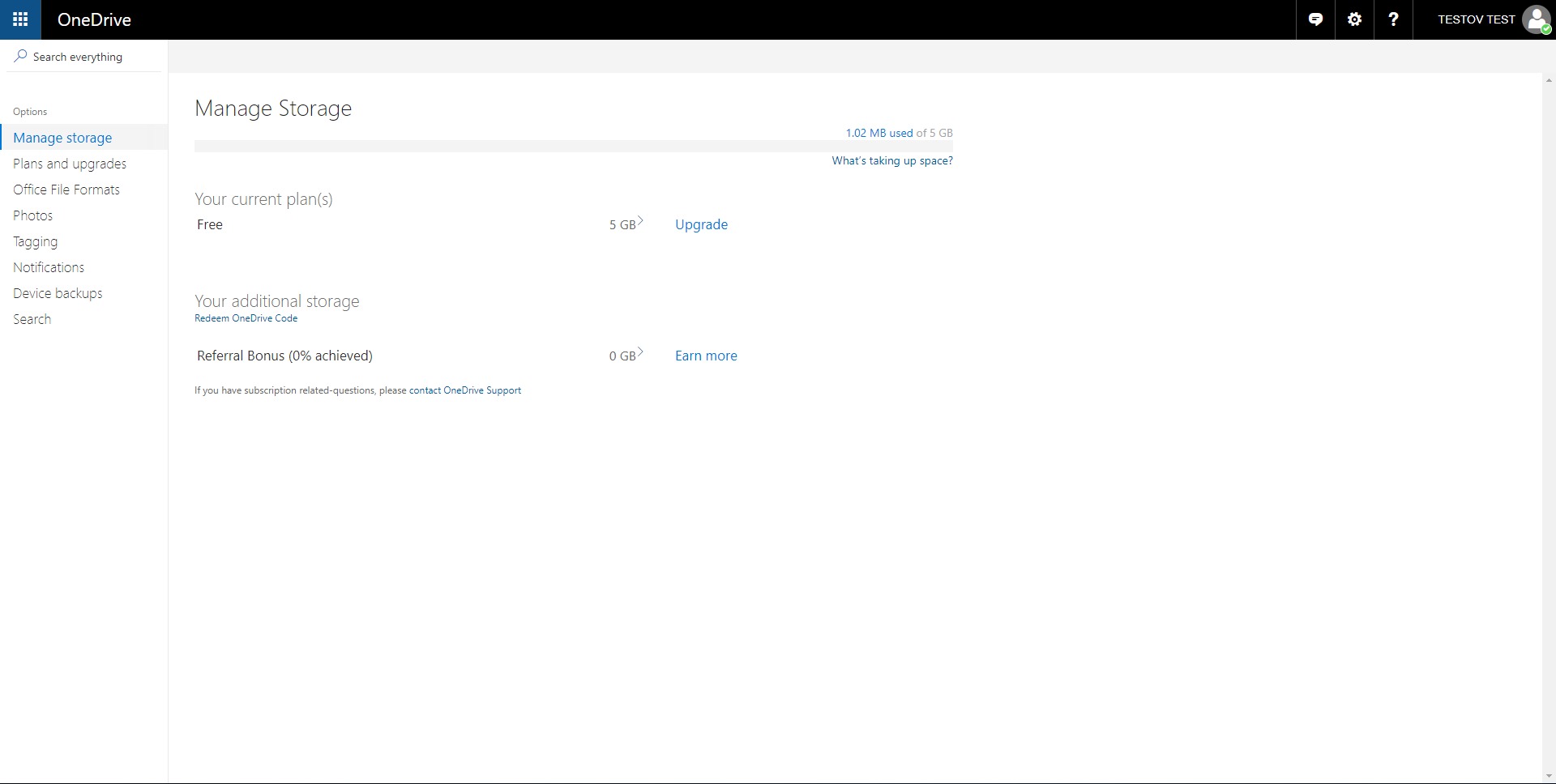
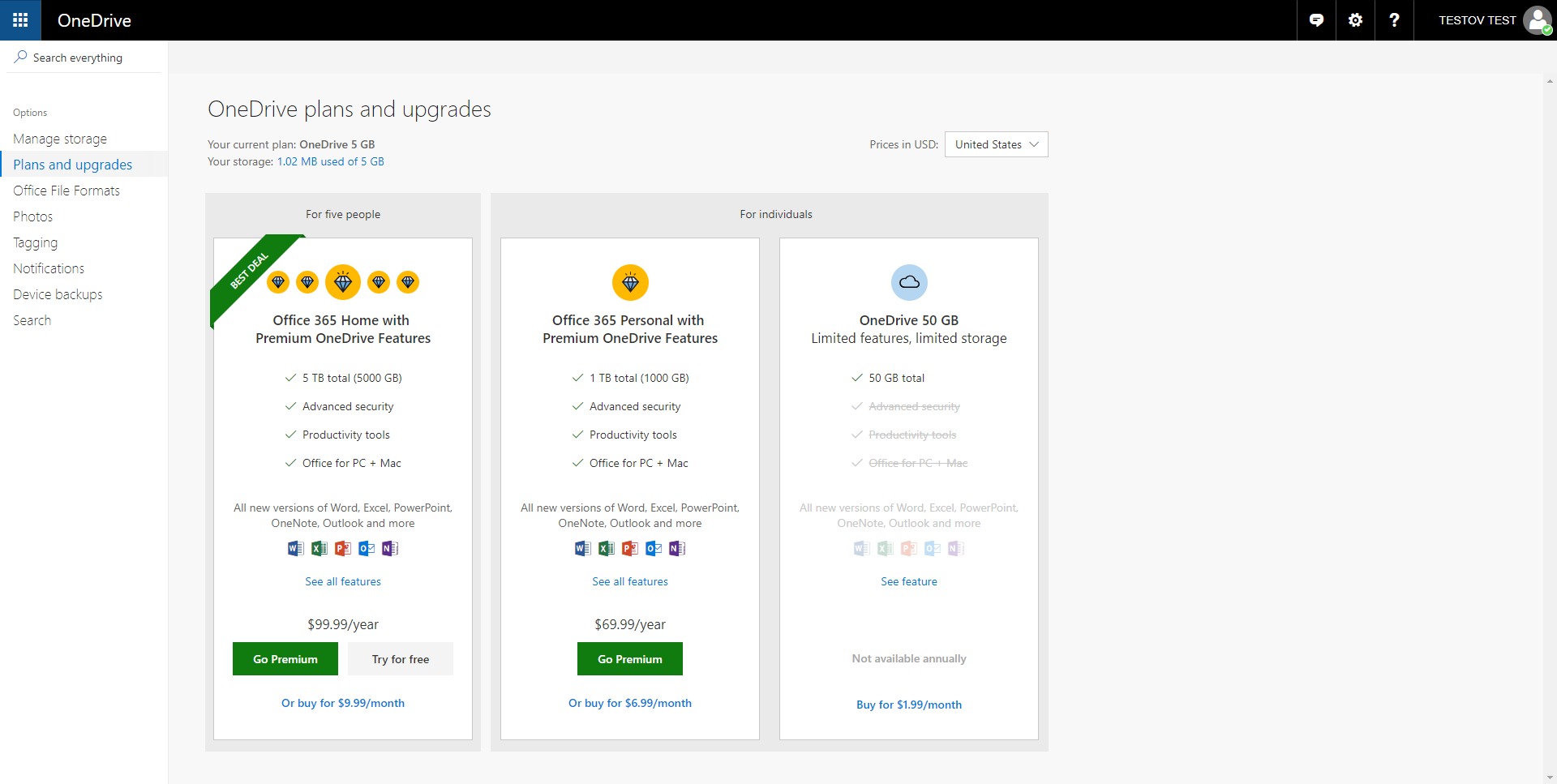
Microsoft OneDrive Free Cloud Storage is a secure file hosting and synchronization service designed for individuals who need reliable access to their data across devices. The free plan offers 5 GB of cloud storage, allowing documents, spreadsheets, presentations, photos, and small media files to be stored safely online and accessed from anywhere. Deep integration with Windows and Microsoft 365 makes it especially practical for users already operating within the Microsoft ecosystem.
Files saved to the OneDrive folder automatically sync to the cloud and across connected devices. Through the web interface, documents can be viewed and edited without installing additional software. Microsoft OneDrive Free Cloud Storage balances simplicity with enterprise-grade infrastructure, making it suitable for personal use, academic work, and lightweight business operations without upfront cost.
Key Features
-
5 GB Free Cloud Storage
The free tier provides 5 GB of secure space in Microsoft’s global data centers. This capacity supports essential documents, structured files, and moderate photo libraries. Storage upgrades are available if needs expand. -
Automatic File Synchronization
A dedicated sync folder on desktop systems ensures that files added locally are uploaded automatically. Changes are reflected across all connected devices, minimizing manual transfers and version conflicts. -
Web-Based Document Editing
Integration with Microsoft Office Online allows Word, Excel, and PowerPoint files to be opened and edited directly in a browser. Real-time collaboration supports shared projects without requiring installed desktop software. -
Cross-Platform Access
Files are accessible via Windows, macOS, iOS, Android, and web browsers. Mobile applications support camera upload and basic document scanning functionality. -
Secure File Sharing Controls
Files and folders can be shared through generated links with permission settings such as view-only or edit access. This reduces reliance on large email attachments and improves document control. -
Version History and Recovery
Previous file versions are stored automatically, allowing restoration if changes need to be reversed. This protects against accidental edits and data corruption. -
Built-In Security Infrastructure
Data is protected through encryption in transit and at rest. Microsoft’s security framework provides a stable foundation even within the free plan.
What is Microsoft OneDrive Free Cloud Storage used for?
Microsoft OneDrive Free Cloud Storage is primarily used for storing, syncing, and sharing files across multiple devices without manual backups. It supports both personal and professional workflows where consistent access to documents is required.
-
Personal Document Storage
Users store contracts, tax documents, resumes, and personal records securely in the cloud rather than relying on a single device. -
Academic Work Management
Students maintain research files, essays, and collaborative group projects with version tracking and remote access. -
Freelance and Small Business Operations
Independent professionals use it to manage proposals, invoices, spreadsheets, and client files without investing in dedicated server infrastructure. -
Photo Backup and Mobile Archiving
Automatic camera uploads ensure photos are preserved even if a device is lost or replaced.
How does Microsoft OneDrive Free Cloud Storage work across devices?
Microsoft OneDrive Free Cloud Storage uses a synchronization model. A local folder is created on a computer, and any files placed inside it are mirrored in the cloud. When logged into the same account on another device, those files become available instantly.
-
Changes made on one device update automatically on others.
-
Files can be accessed offline if previously synced.
-
Web access provides full file visibility even without installing software.
This architecture reduces duplication errors and simplifies file management for distributed work environments.
What are the main benefits of Microsoft OneDrive Free Cloud Storage?
-
Cost Efficiency
No subscription is required to start. The free storage tier supports essential digital workflows. -
Ecosystem Integration
Seamless compatibility with Windows and Microsoft Office products improves productivity for existing Microsoft users. -
Operational Simplicity
Automatic sync eliminates manual backup routines. -
Data Protection
Encryption and version history provide resilience against accidental loss. -
Scalability
Users can transition to paid plans without migrating to a new platform.
Is Microsoft OneDrive Free Cloud Storage suitable for business use?
For light business usage, Microsoft OneDrive Free Cloud Storage is suitable for document storage and sharing. However, growing organizations typically require expanded storage, administrative controls, and advanced collaboration features available in paid Microsoft 365 plans.
Freelancers and early-stage startups benefit most from the free tier due to low overhead and straightforward deployment. Larger teams may outgrow the 5 GB storage allocation quickly.
What is the user experience like with Microsoft OneDrive Free Cloud Storage?
The user experience is designed to be intuitive and unobtrusive. Installation on Windows integrates directly with the file explorer. Files appear as part of the native directory structure, reducing learning time.
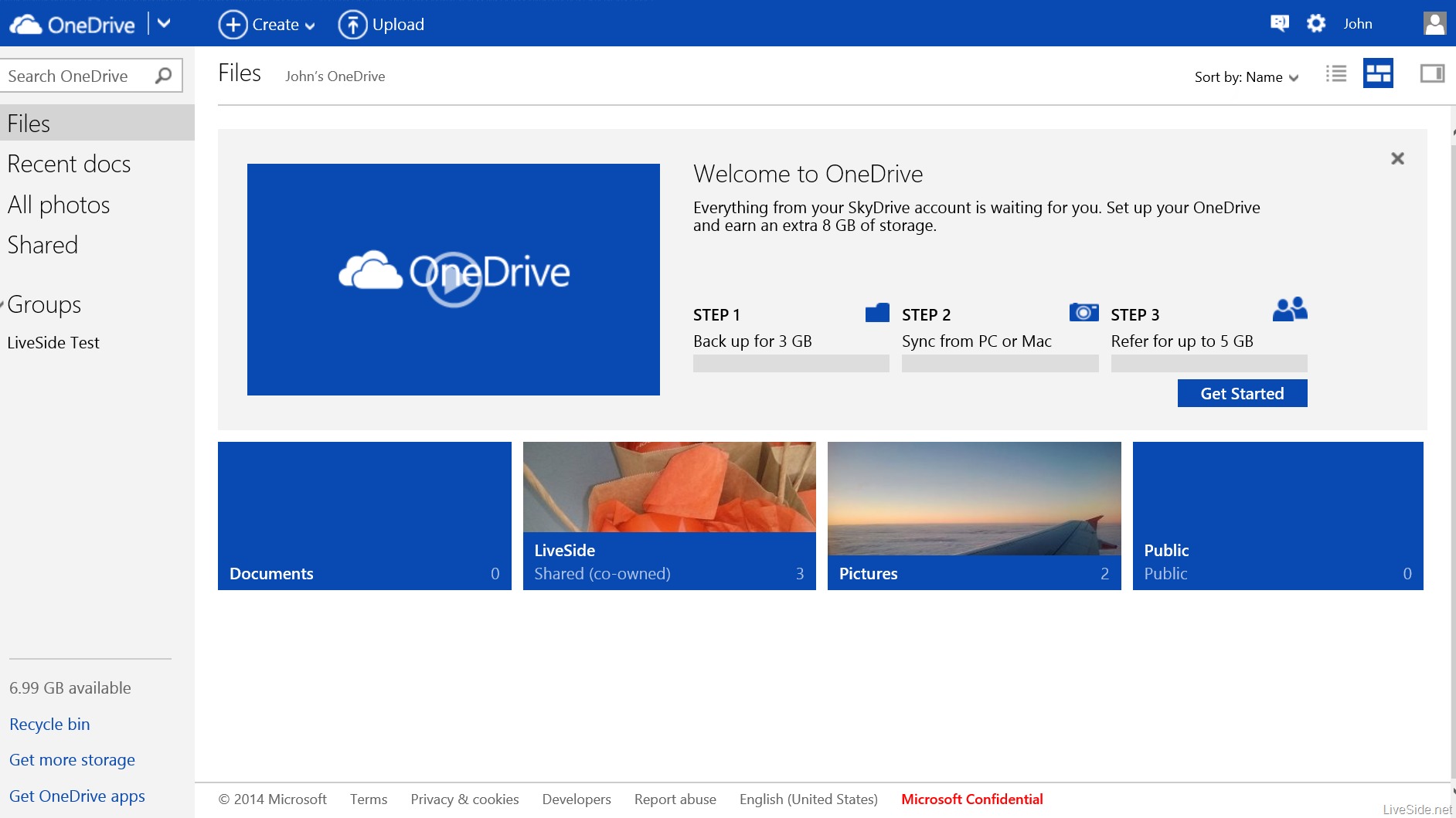
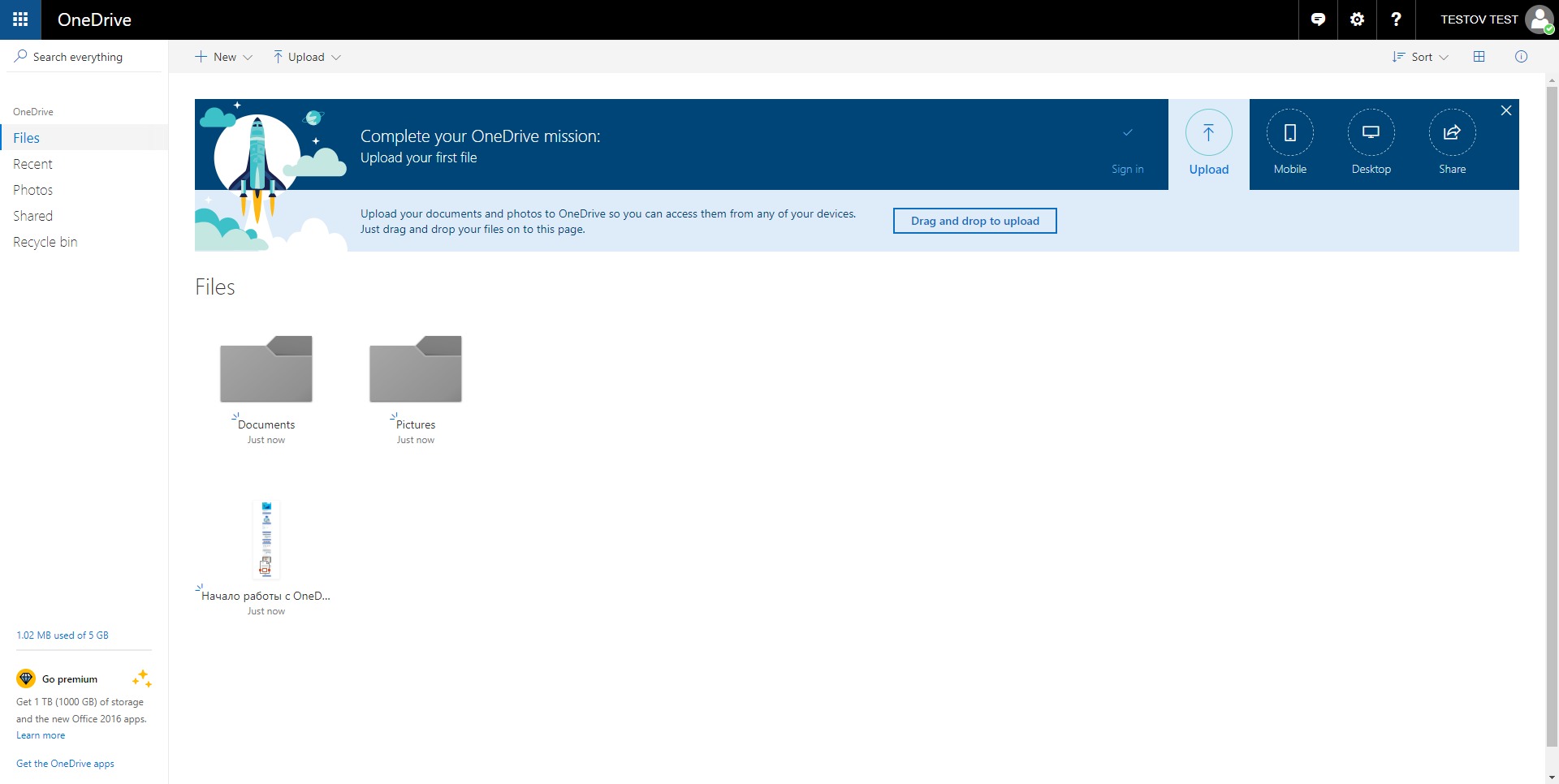
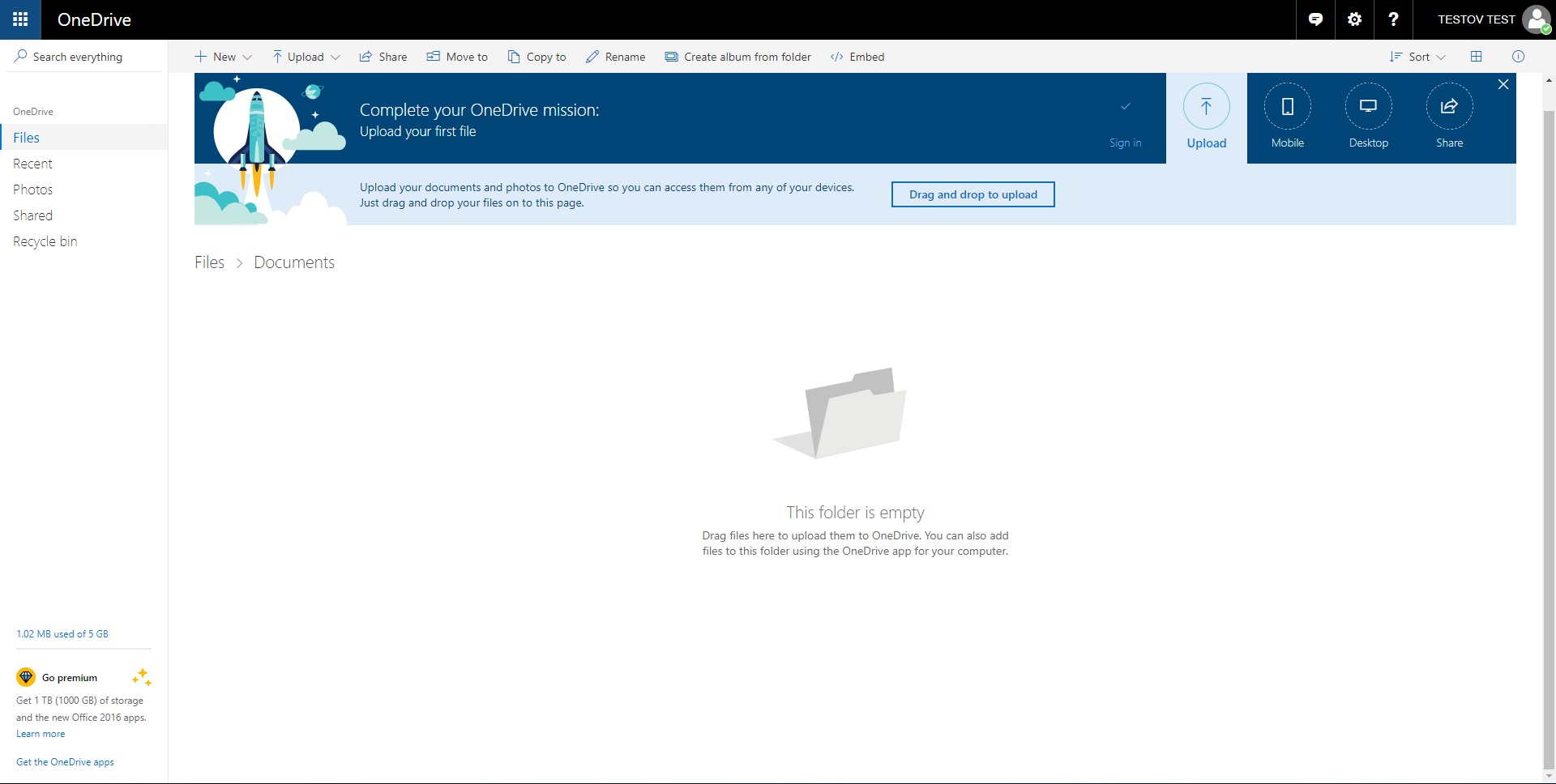
The web interface presents a clean dashboard with clear folder hierarchy, search functionality, and sharing controls. Drag-and-drop uploads simplify file transfers. Mobile applications are lightweight and focus on quick file access and photo backup.
Performance is generally stable due to Microsoft’s infrastructure. Upload speeds depend on internet bandwidth, but synchronization operates reliably in the background.
Microsoft OneDrive Free Cloud Storage emphasizes practicality rather than complexity. It functions as a foundational cloud storage solution for individuals who need dependable file access without subscription commitment.
OneDrive Alternatives




OneDrive Integrations