MediaFire
Languages:
English
Localization:
World

What is MediaFire and how does it work?
MediaFire Cloud Storage and File Sharing is a web-based platform that allows users to upload, store, manage, and distribute digital files online. Designed for simplicity and scale, the service enables individuals and businesses to keep files securely in the cloud and access them from virtually any device with an internet connection.
The platform supports a wide range of file types, including documents, images, videos, audio files, compressed archives, and software packages. Once uploaded, files can be organized into folders, shared through custom links, or downloaded individually or in bulk. MediaFire offers both free and premium subscription plans, making it accessible to casual users while also supporting more demanding professional needs. With cross-platform compatibility and a straightforward interface, it serves as a practical solution for file hosting, collaboration, and digital asset distribution.
What are the key features of MediaFire Cloud Storage and File Sharing?
-
Generous Cloud Storage Allocation
MediaFire provides a substantial amount of storage space on its free plan, with the option to increase capacity through upgrades. Paid plans expand storage significantly, accommodating large media libraries, business archives, and high-volume data storage. -
Simple File Upload and Folder Management
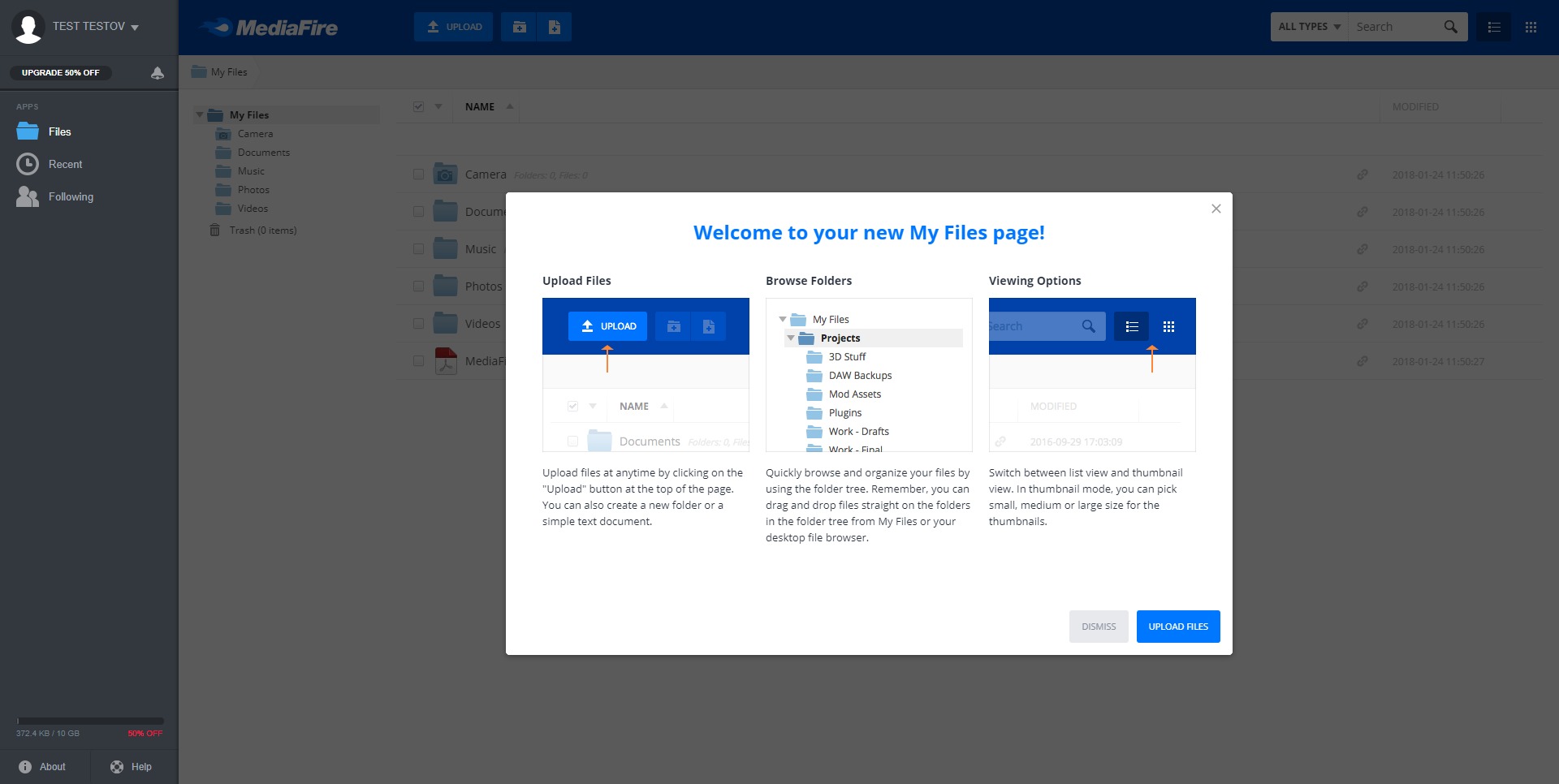
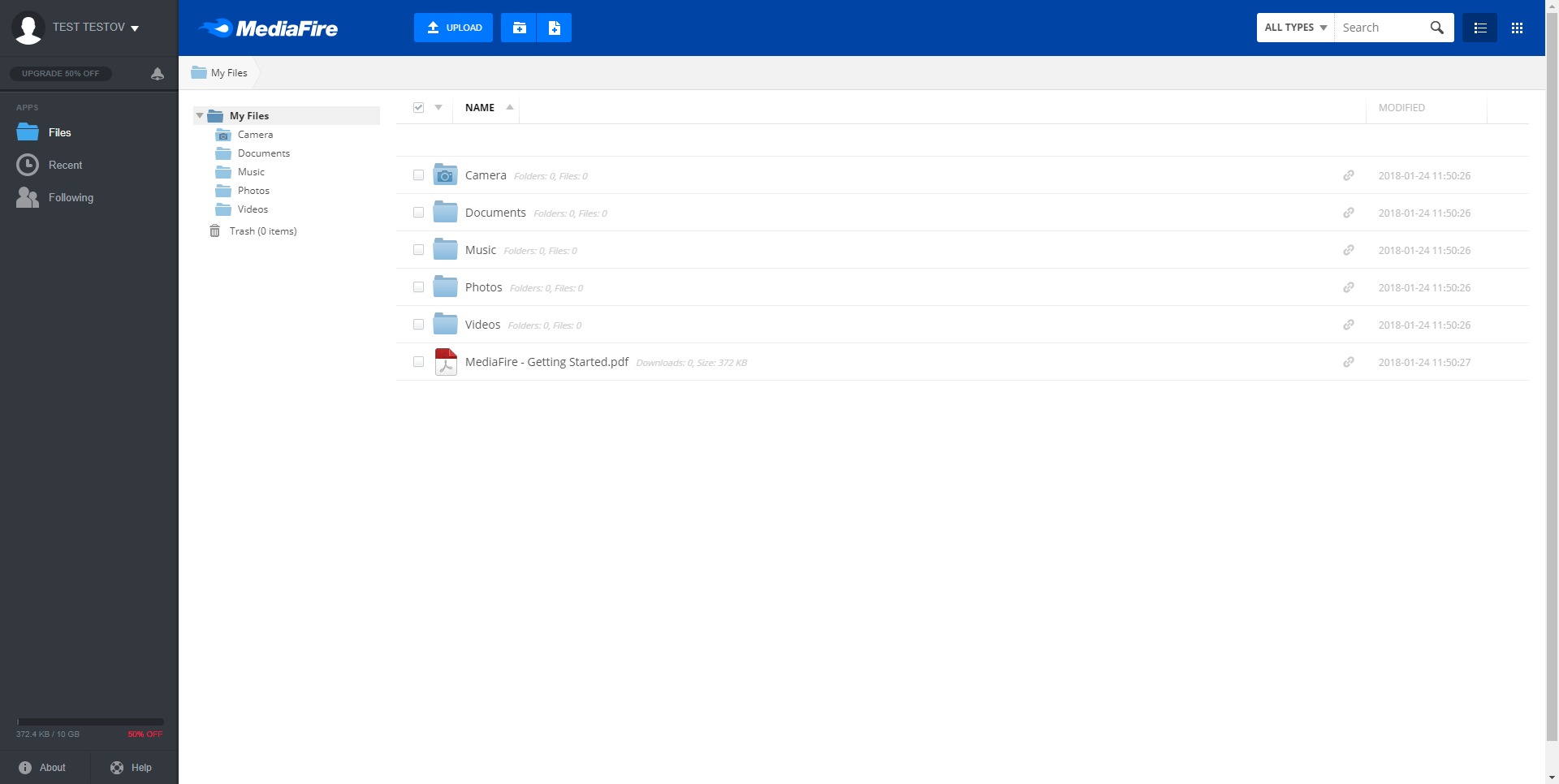
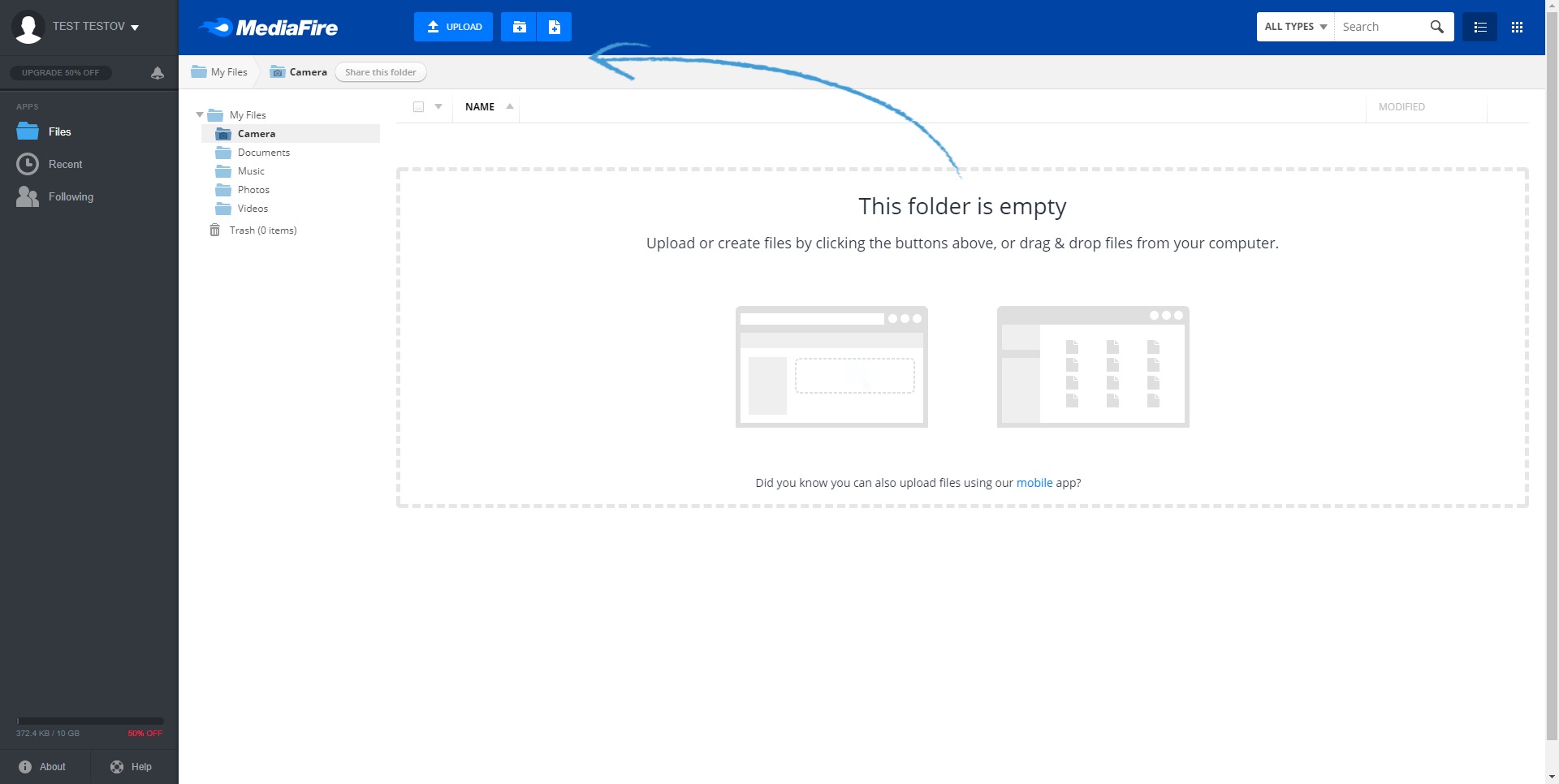
Users can upload individual files or entire folders directly through a web browser or mobile app. Drag-and-drop functionality and intuitive folder organization make managing content efficient and structured. -
Shareable Download Links
Every uploaded file can generate a shareable link. These links can be distributed to colleagues, clients, or audiences, enabling quick downloads without requiring recipients to create accounts. -
Bulk Download and ZIP Support
Entire folders can be downloaded as compressed ZIP files, simplifying project delivery and data transfer between systems. -
Cross-Platform Access
MediaFire is accessible through web browsers and mobile applications, ensuring file availability across desktops, laptops, tablets, and smartphones. -
Ad-Free and Direct Link Options (Pro Plans)
Premium subscriptions remove advertisements and enable direct file links, offering a cleaner and more professional distribution experience. -
Security and Access Controls
Files can be managed with privacy settings and optional access restrictions. Certain plans include one-time download links and additional controls for sensitive data. -
Automatic Media Backup (Mobile Apps)
Mobile applications allow automatic uploading of photos and videos, ensuring continuous backup of device content to the cloud.
What are the main use cases for MediaFire Cloud Storage and File Sharing?
-
Personal File Backup
Individuals can store important documents, photos, and videos in the cloud as a safeguard against hardware loss or device failure. -
Large File Distribution
Creators, designers, and developers can share large files such as software builds, high-resolution images, or video content with clients and collaborators without email attachment limits. -
Remote Team Collaboration
Teams can centralize shared assets in structured folders, allowing distributed members to access updated files from anywhere. -
Educational Resource Sharing
Teachers and students can upload coursework, research materials, and presentations for quick and universal access. -
Digital Product Delivery
Businesses can use MediaFire to distribute downloadable products such as templates, eBooks, media kits, and software packages. -
Temporary Hosting for Transfers
The platform works effectively for short-term file hosting when quick transfer between parties is required.
What are the benefits of using MediaFire Cloud Storage and File Sharing?
MediaFire offers a balance between accessibility and scalability. Its free tier lowers the barrier to entry, while premium upgrades support more complex workflows. The absence of mandatory recipient accounts simplifies distribution, especially when sharing files with external clients or customers.
The platform’s straightforward structure reduces onboarding friction. Users can upload, organize, and share content without extensive configuration. Bulk downloads and folder compression streamline professional workflows, particularly for agencies and development teams handling multiple assets.
Cross-device compatibility ensures uninterrupted access, and mobile auto-backup adds value for users who rely heavily on smartphone media. Additionally, premium features such as ad-free downloads and direct links enhance brand presentation when files are shared publicly or commercially.
How user-friendly is MediaFire Cloud Storage and File Sharing?
MediaFire emphasizes ease of use. The dashboard layout is clean and logically structured, with folders displayed clearly and file actions accessible through simple menus. Uploading is typically drag-and-drop based, minimizing technical barriers.
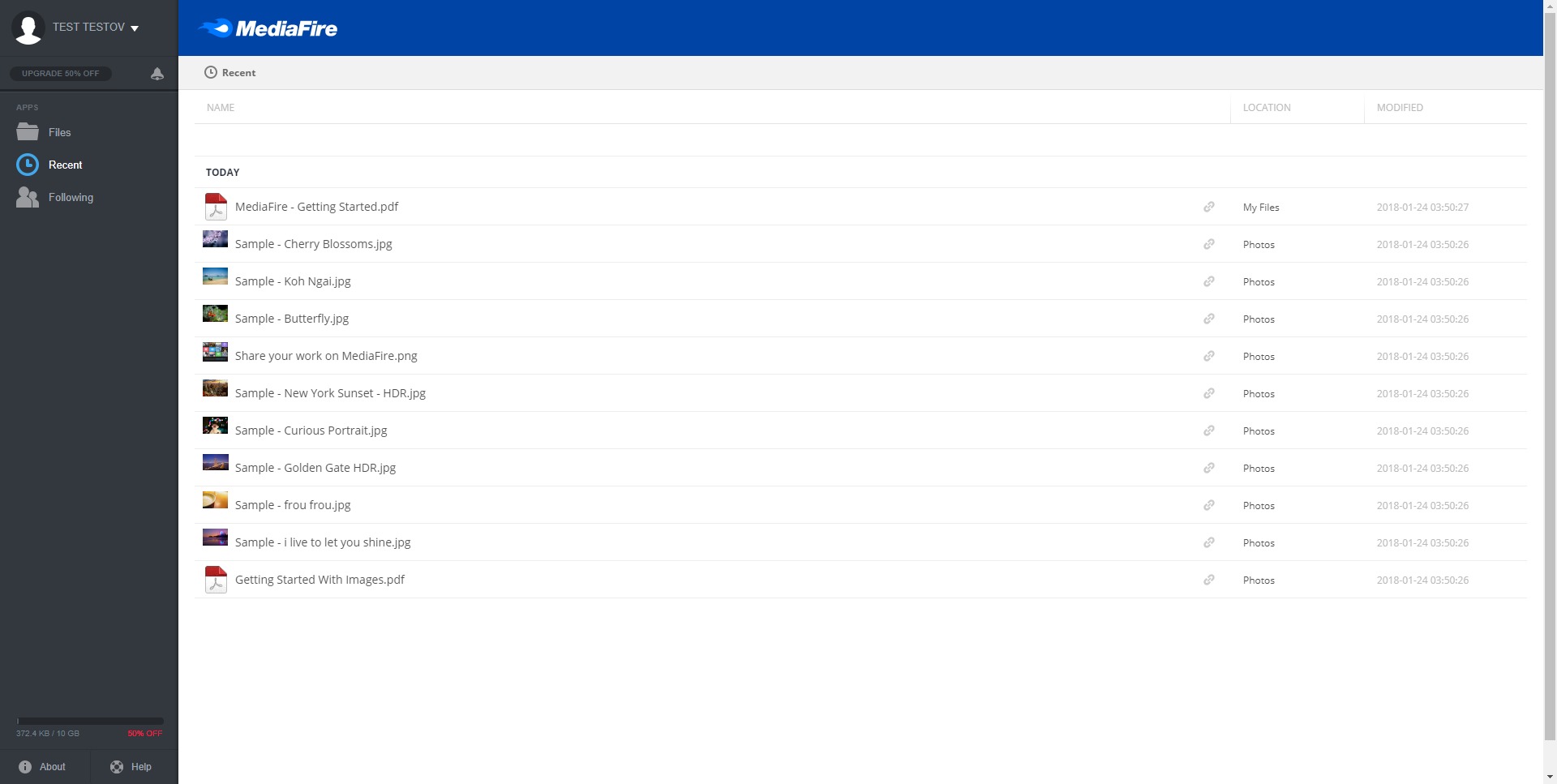
Navigation between folders and search functionality allows users to locate files quickly, even within larger libraries. Mobile applications mirror much of the desktop experience, providing consistent usability across devices.
For non-technical users, the learning curve is minimal. Advanced users benefit from direct link options and structured file organization, while casual users can operate the platform without deep configuration knowledge.
Overall, MediaFire Cloud Storage and File Sharing positions itself as a practical, scalable, and accessible solution for file storage and distribution. It supports everyday personal use as well as professional workflows that require efficient, reliable file sharing in a cloud environment.
2021-10-06 23:52:16: Happy 15 years of MediaFire! On Oct 6th, 2006 MediaFire first launched to the public. Thank you all for allowing us to serve you ever since then. We've come a long way since our humble beginnings and we still have a long way to go! Cheers to the next 15 🥳🎉 https://t.co/MuwtOQNEXOTwitter
2021-08-10 19:01:10: Good news, everyone! We made a major upgrade to MediaFire that you probably didn’t even notice! We completely replaced our old web and mobile apps built on an entirely new MediaFire framework - read more about this important technical update on our blog:
https://t.co/W5ovSkcCb6Twitter
MediaFire Alternatives