What is FreshBooks used for?
FreshBooks Small Business Accounting is a cloud-based platform designed to help freelancers, consultants, agencies, and small service businesses manage invoicing, expenses, time tracking, payments, and core accounting tasks in one place. It is built for businesses that need financial operations to stay organized without turning daily work into an accounting exercise.
The platform is especially useful for companies that bill by project, hours, retainers, or recurring services. Instead of splitting work across separate tools for invoices, receipts, time logs, and reporting, FreshBooks brings these tasks into a more unified workflow. That makes it easier to move from completed work to sent invoice and from sent invoice to collected payment. FreshBooks also supports collaboration with accountants and team members, which helps growing businesses keep financial visibility without adding unnecessary complexity.
What key features does FreshBooks provide?
- Professional invoicing
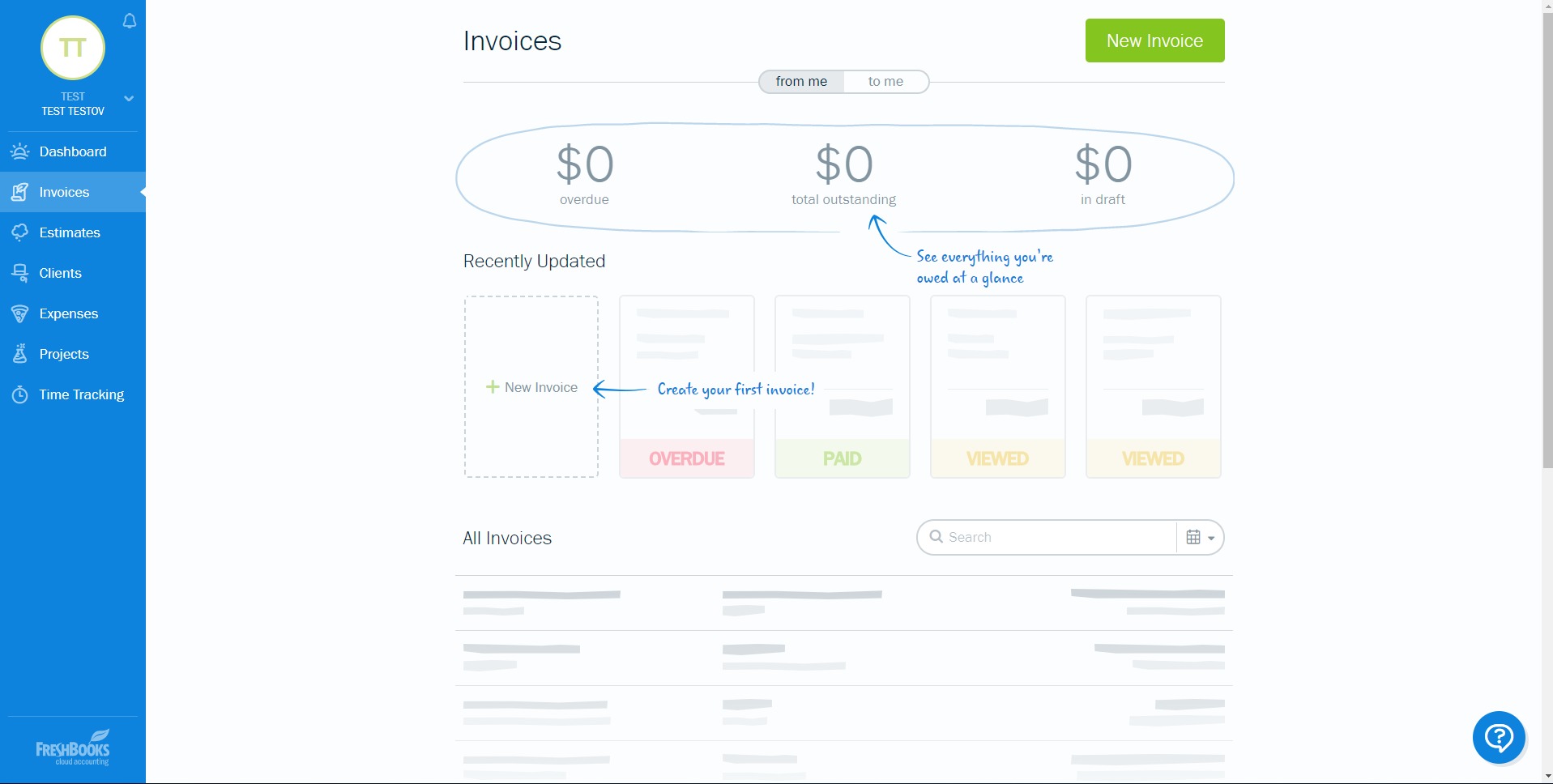
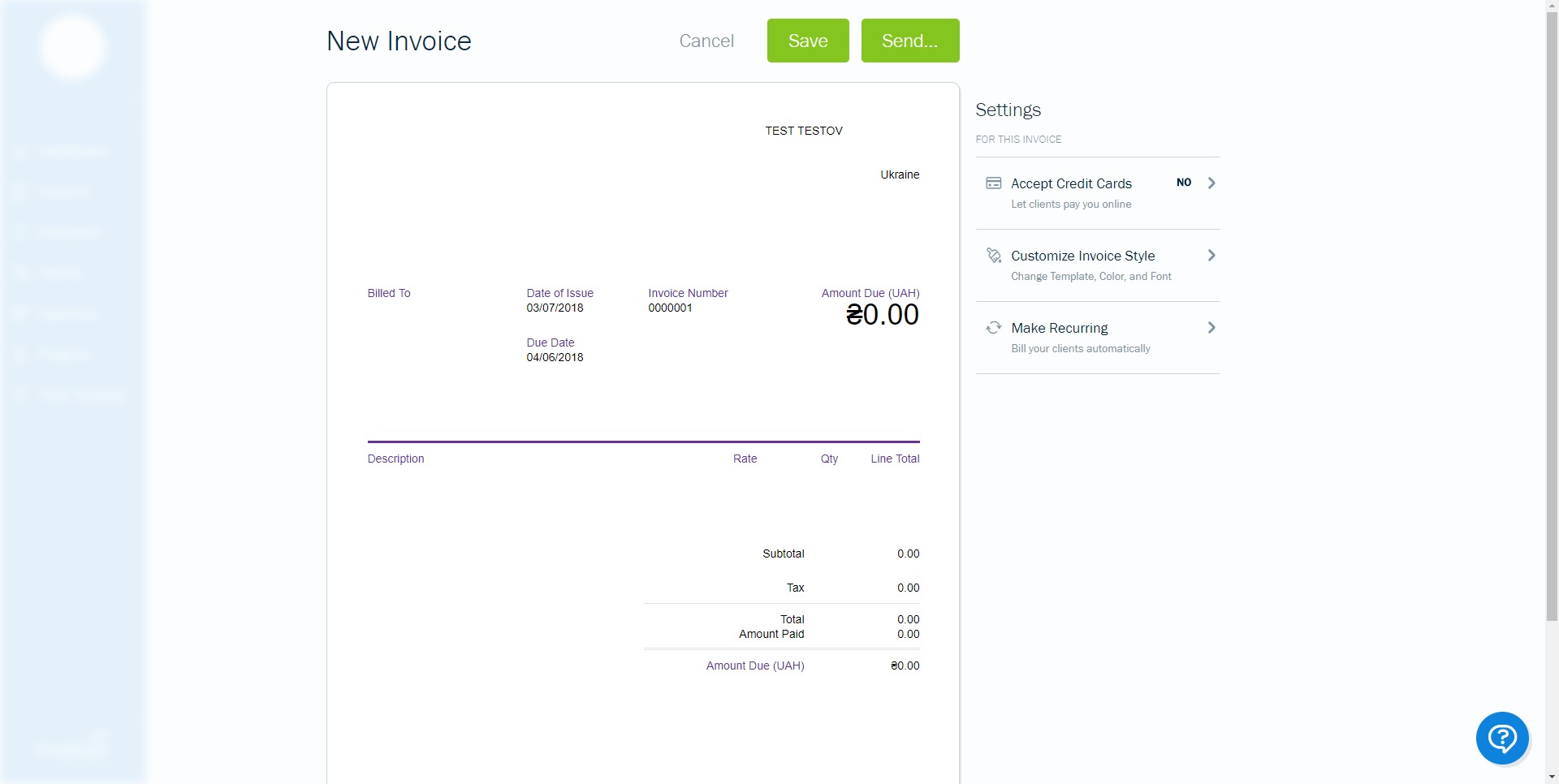
FreshBooks allows businesses to create polished invoices, customize branding, add taxes, discounts, deposits, and payment terms, and send invoices quickly. Recurring invoices and automated reminders help reduce manual follow-up and support more predictable billing cycles. - Online payments
The platform supports payment collection directly through invoices, helping clients pay faster and with fewer steps. This shortens the distance between completed work and incoming revenue, which matters for small businesses managing cash flow closely. - Time tracking
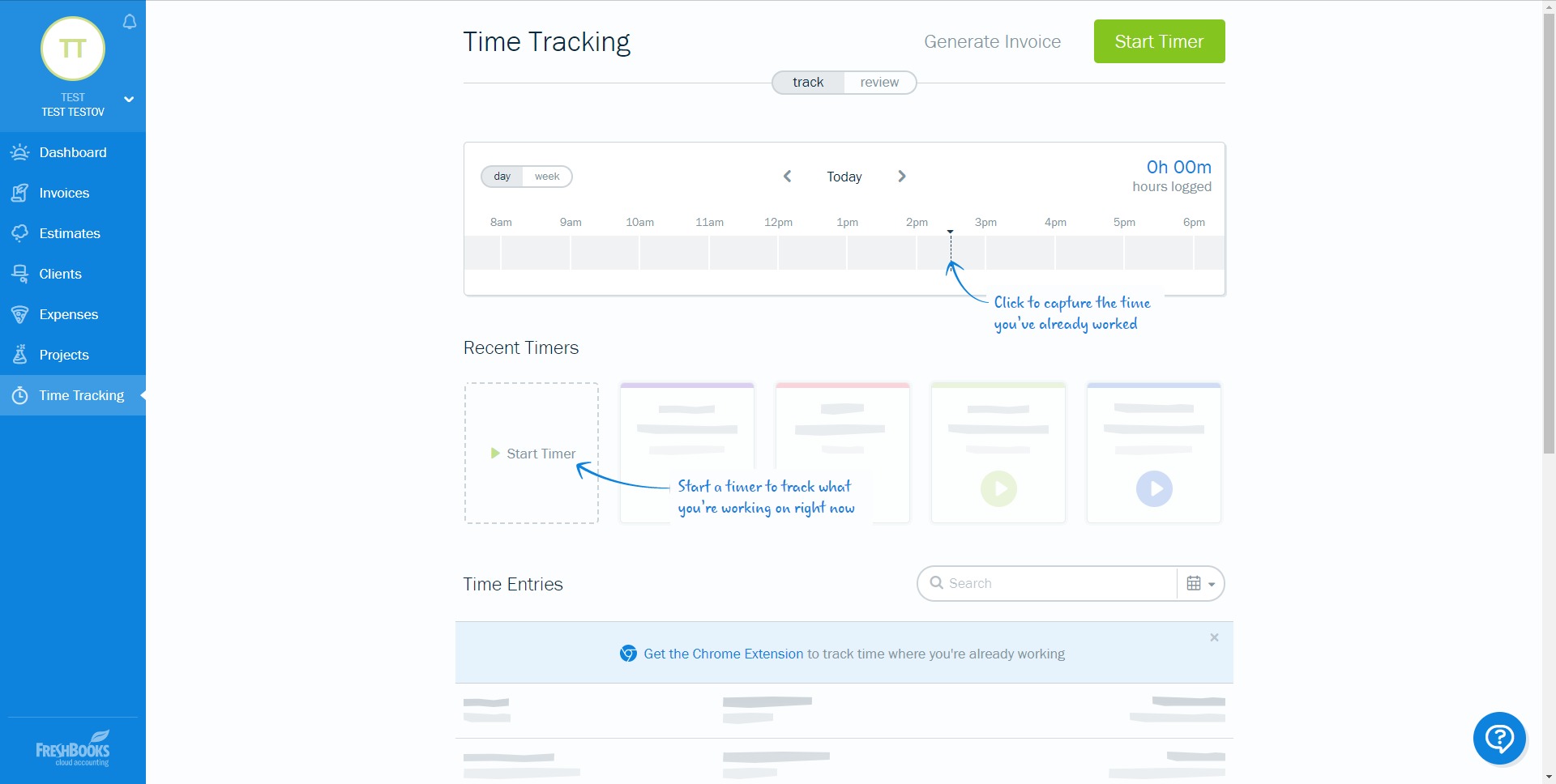
Time tracking is one of the most practical parts of the product for service-based businesses. Teams can log hours for projects and clients, then convert tracked time into invoices. This reduces missed billable hours and gives better visibility into project profitability. - Expense management
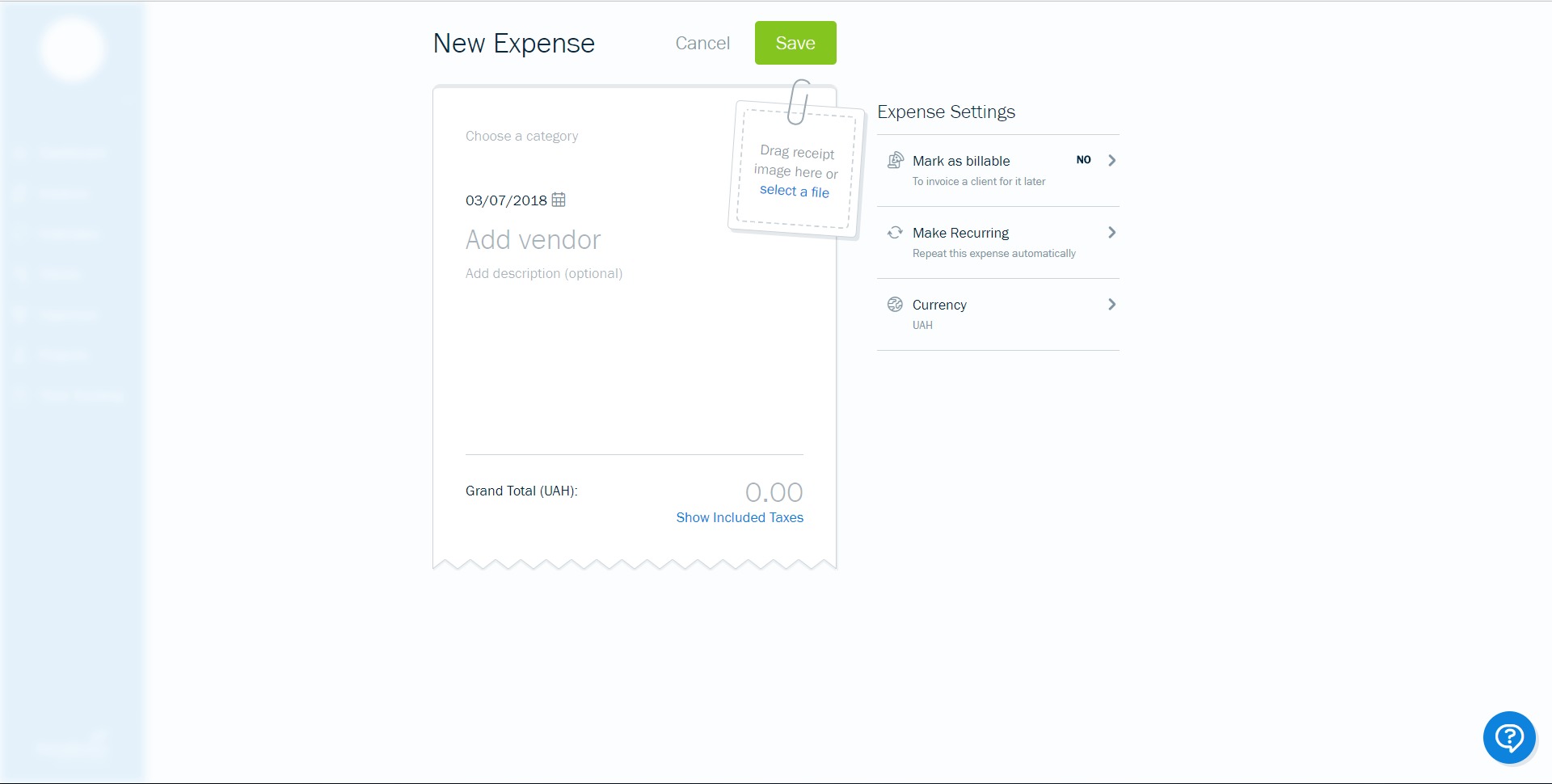
FreshBooks helps record expenses, store receipts, organize spending categories, and connect costs to client work when needed. Billable expenses can be added to invoices, which helps businesses recover costs that might otherwise be forgotten. - Estimates and proposals
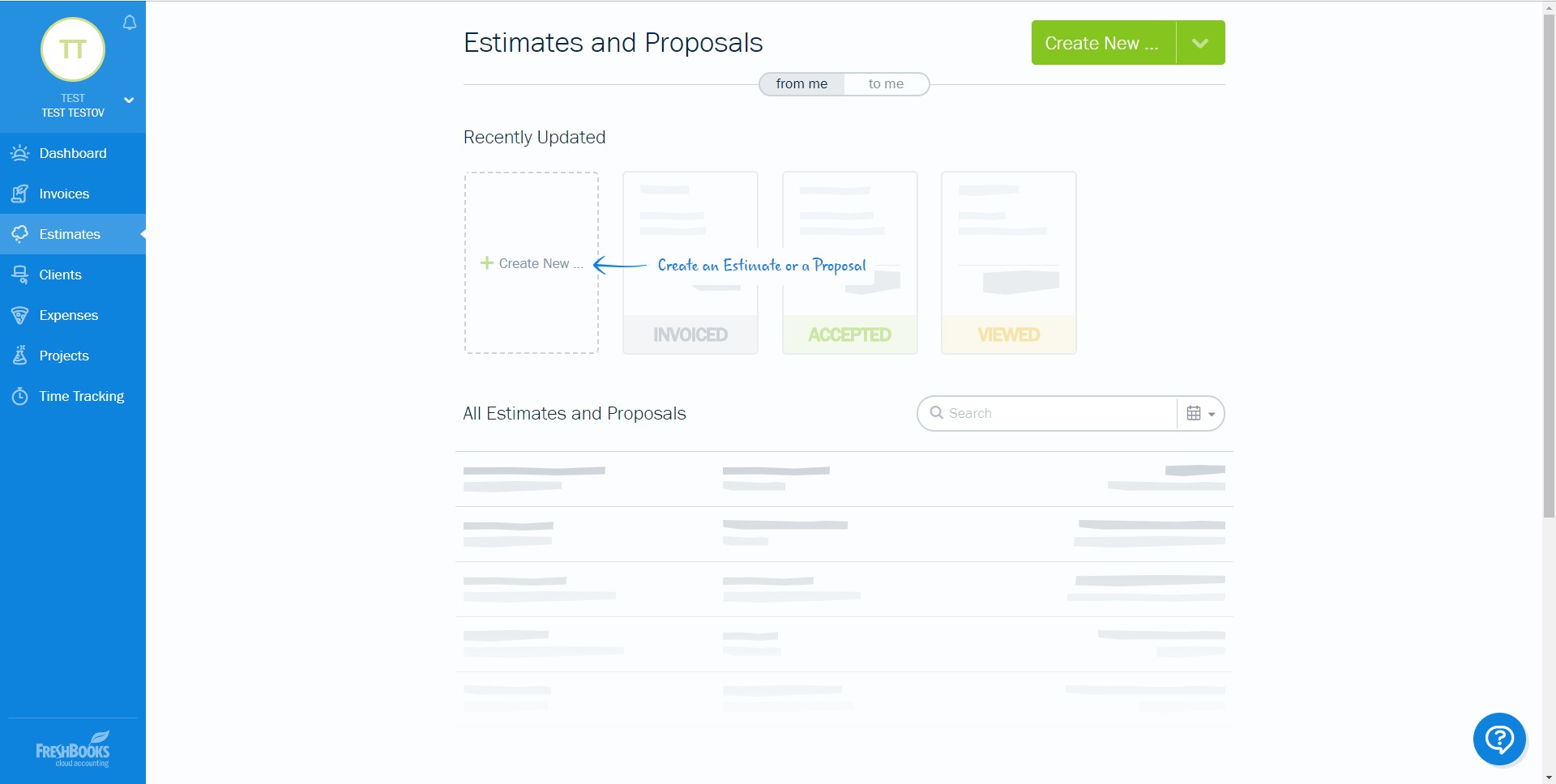
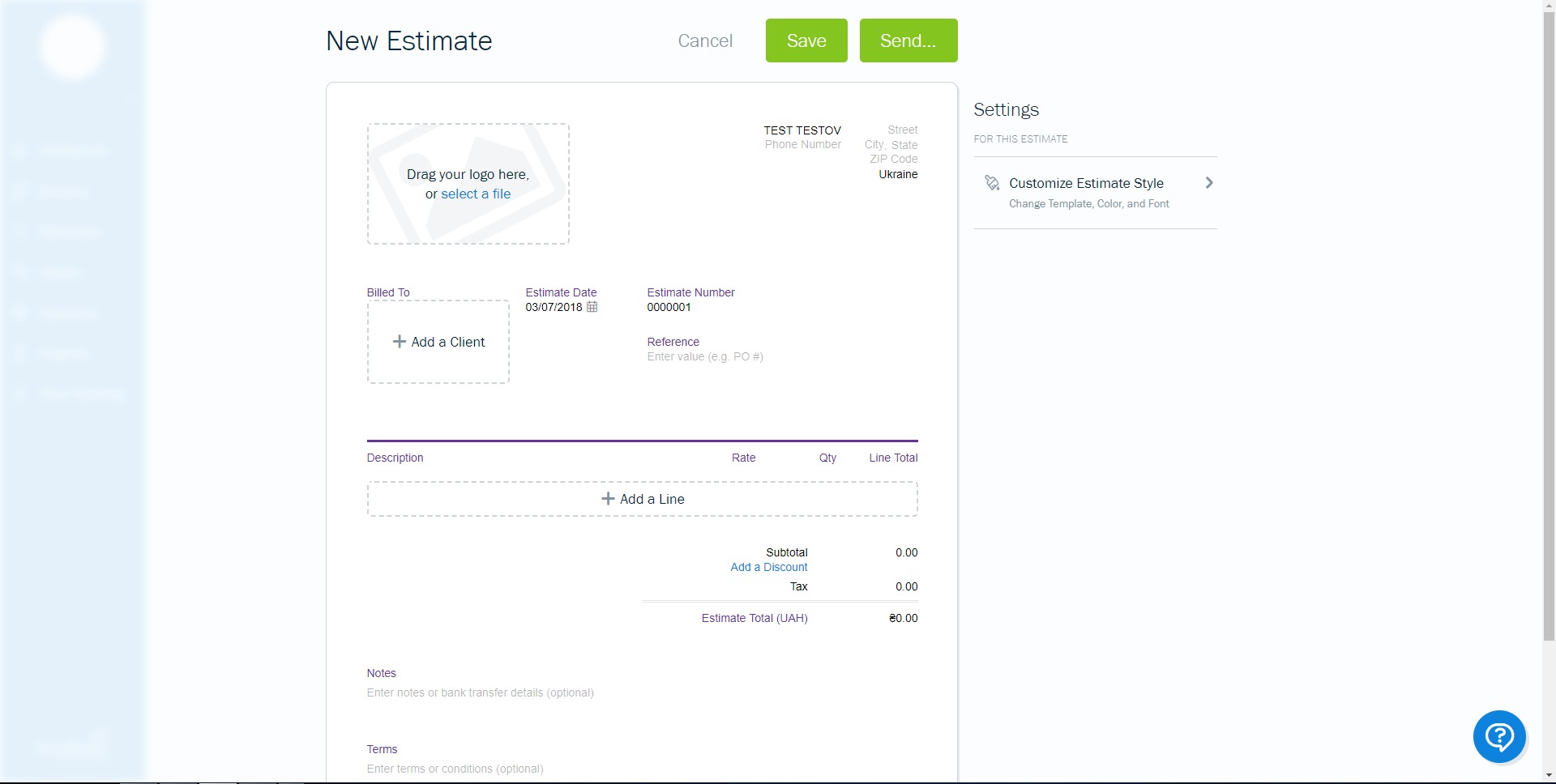
Businesses can prepare estimates or proposals before work begins, creating a cleaner path from sales discussion to approval and then to billing. This is useful for consultants, agencies, and contractors that need a more structured client onboarding flow. - Accounting and reporting tools
FreshBooks includes financial reporting features that help users monitor revenue, expenses, profit trends, tax-ready records, and general business performance. These tools support better operational decisions without requiring advanced accounting knowledge. - Client and project organization
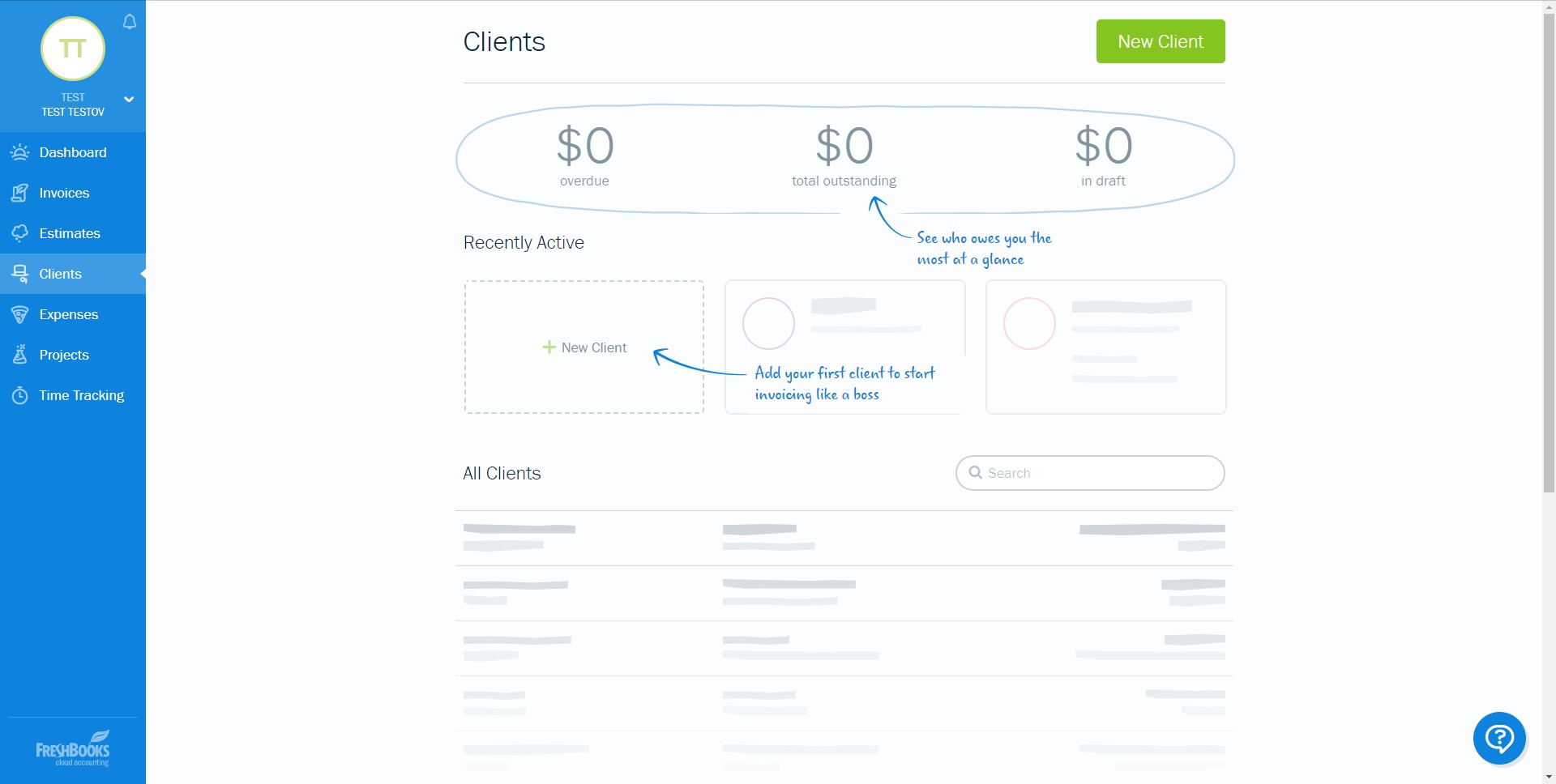
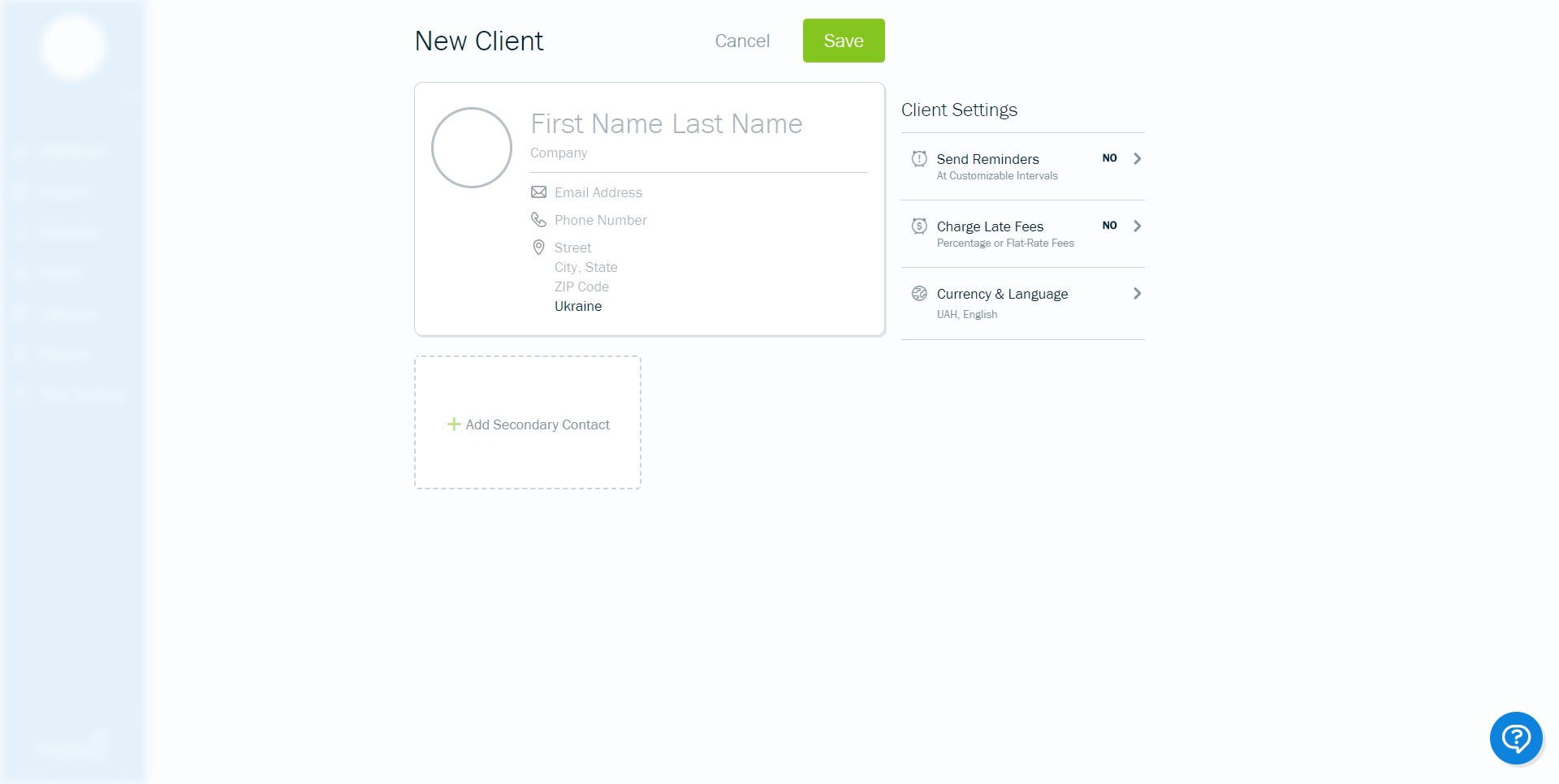
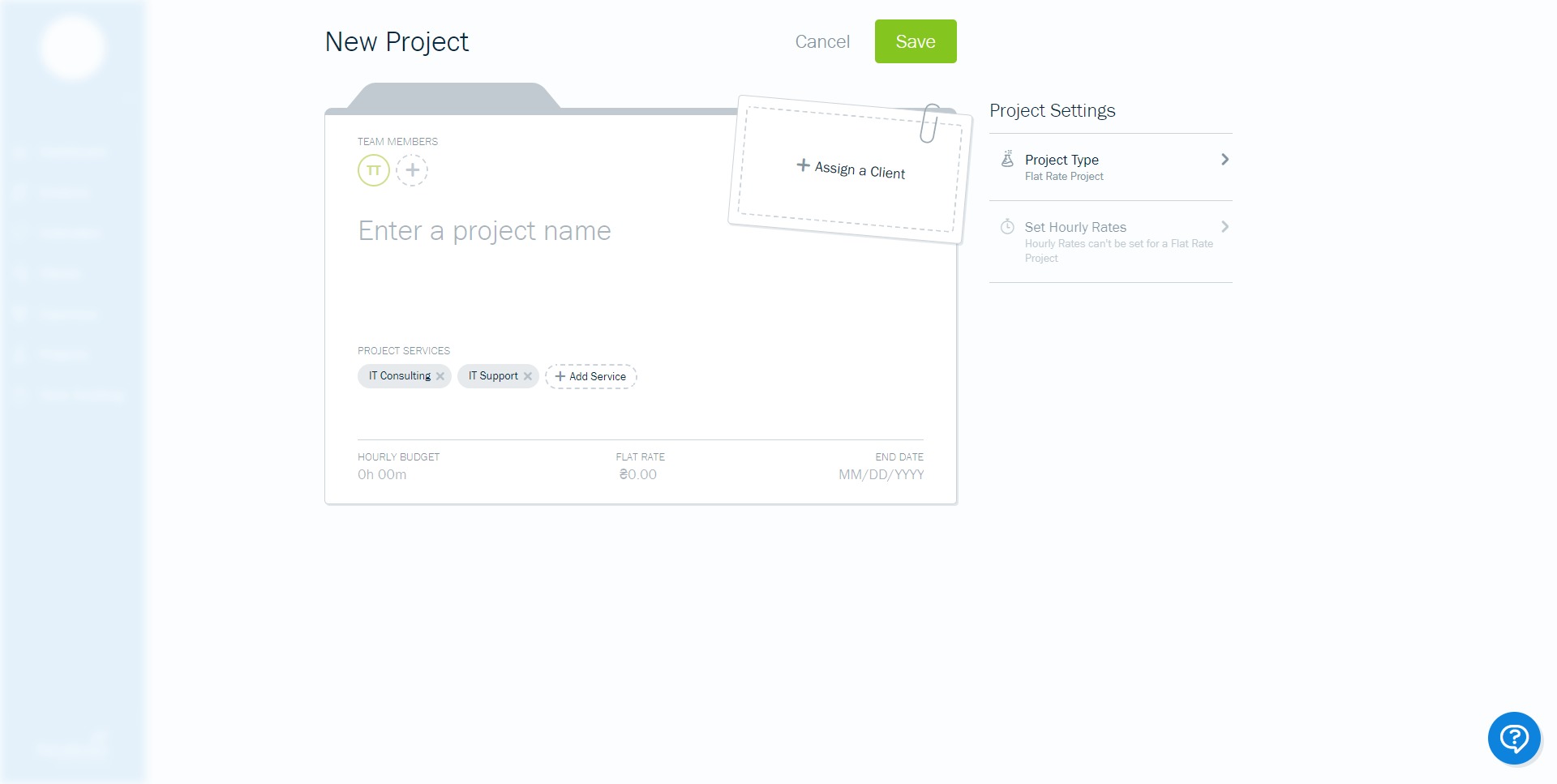
The platform keeps client details, project activity, invoices, notes, and payment status connected. This helps small teams maintain a clearer view of ongoing work and client relationships.
What are the best use cases for FreshBooks?
- Freelancers managing multiple clients
A freelancer can track time, record expenses, send branded invoices, and collect payments from one system. This reduces administrative clutter and makes billing more consistent. - Consultants billing by hour or project
Consultants often need estimates, time tracking, expense capture, and clear invoicing. FreshBooks supports that flow well, especially when client work changes from month to month. - Agencies handling recurring retainers
Agencies can use recurring invoices, project tracking, and payment reminders to simplify monthly billing for long-term clients and reduce follow-up work. - Small service businesses needing simple accounting
Businesses that want usable reporting and cleaner books without adopting a more complex accounting stack can use FreshBooks as a practical middle ground. - Teams that work on the go
Mobile-friendly workflows help business owners and staff manage invoices, expenses, and client updates while away from a desk.
Why do businesses choose FreshBooks?
FreshBooks is often chosen because it focuses on the real operational pain of small businesses: getting paid, staying organized, and keeping financial records under control without wasting time. It supports a faster billing cycle, improves visibility into work and revenue, and reduces the chances of missed hours, forgotten expenses, or delayed invoices.
Another major benefit is clarity. Many small businesses do not need enterprise-grade financial software. They need a tool that makes invoicing, payments, and basic accounting easier to manage every week. FreshBooks fits that space well by combining structure with accessibility.
What is the FreshBooks user experience like?
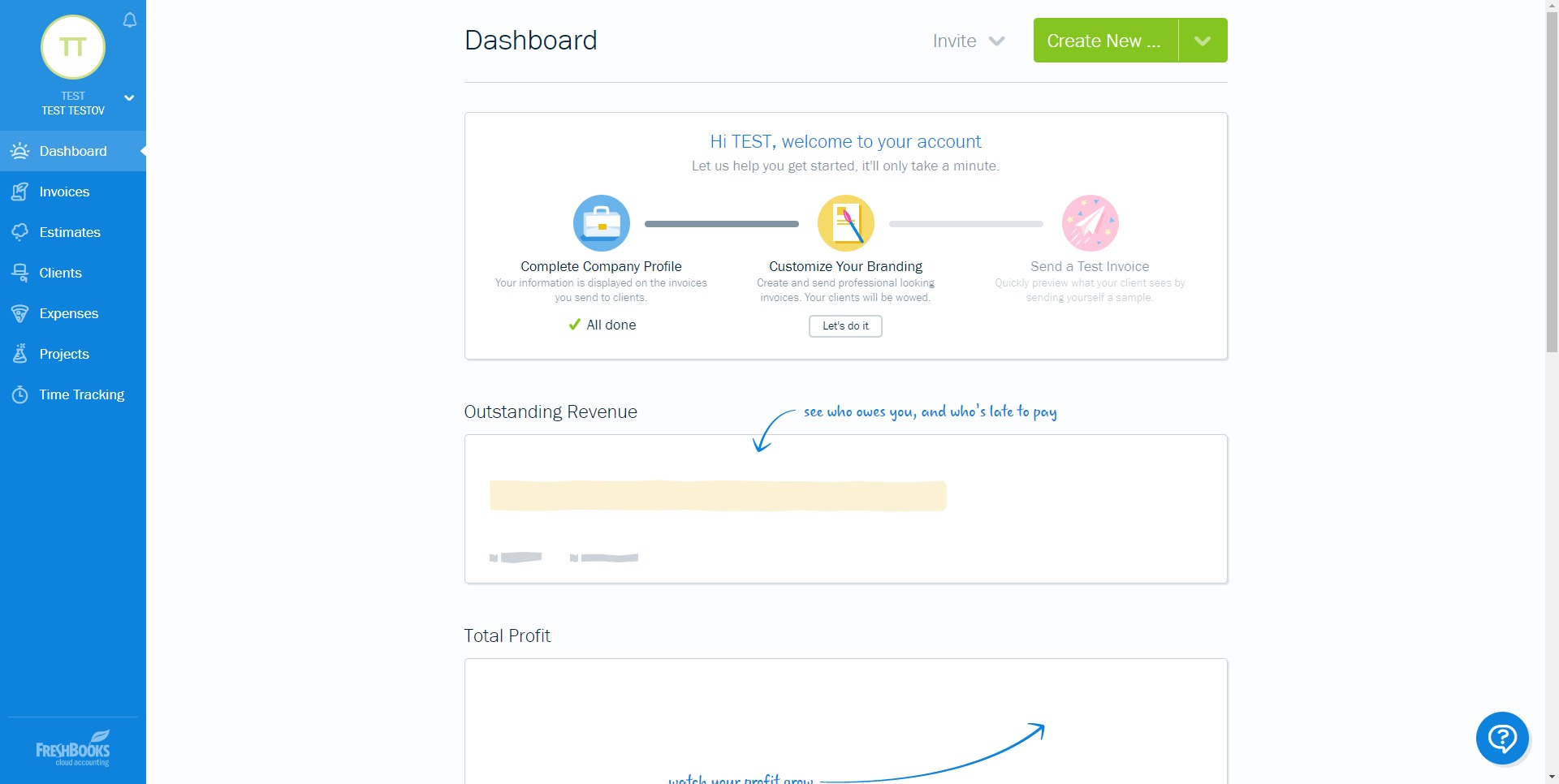
The FreshBooks user experience is built around simplicity and speed. The interface is designed for business owners and teams that may not have a deep accounting background but still need reliable financial workflows. Core actions such as creating invoices, tracking time, logging expenses, and reviewing reports are generally straightforward and easy to repeat.
This makes the platform appealing for users who want accounting software that feels operational rather than overwhelming. The experience is especially strong for service businesses that care more about workflow efficiency, payment collection, and client billing than about advanced finance customization. As a result, FreshBooks feels less like a bookkeeping burden and more like a business management layer that supports daily execution.
2026-10-05 21:19:30: Rapid Fire Questions With Tammy Youtube
2026-10-05 21:19:25: Behind the Scenes With Tammy Youtube
2026-10-05 21:15:55: Rapid Fire Questions With Steven and Amanda Youtube
2026-10-05 21:13:34: Behind the Scenes with Jules Youtube
2026-10-05 21:11:12: Behind the Scenes with Steven and Amanda Youtube
2026-10-05 20:55:04: How One Tool Keeps This Architecture Firm's Time and Invoices Together Youtube
2026-10-05 20:45:46: Out of the Basement and Into Their Own Office Youtube
2026-10-05 20:22:50: 25 Years In, Tammy's Photography Business Is Still Growing Youtube
2026-10-05 20:03:55: Celebrando 25 Años y Trabajando con Sus Hijos Youtube
2026-09-08 14:30:39: Small Talk Chicago Youtube
2023-04-06 15:00:14: Don't be left in the dark when it comes to your finances.
Master your income statements, take on your balance sheets, and understand your cash flow—with confidence.
https://t.co/iENiHTI73h https://t.co/IXRcWoQNU2Twitter
2023-04-05 17:57:55: Scheduled (Apr 15, 2023, 09:00 EDT): Heads up! We're performing maintenance on Saturday, April 15th from 9 am-1pm EST.
During this time FreshBooks and the API will not be accessible.
Regular service will resume once maintenance is c… https://t.co/xfxLn4sAT9Twitter
2023-04-01 18:02:01: Introducing our newest feature: Bartering. Now you can allow clients to pay you with absolutely anything—from office supplies to homemade baked goods to gas cards. Who’s up for a trade? 😉
#AprilFools #FakeFeature #NotReally #FreshBooks https://t.co/fg1Sh4GrHwTwitter
2023-03-17 18:09:42: Be sure to enter our tax-time contest and tell us what you would rather do than taxes. $2000 + spa day 💆🏻♀️ is up for grabs!
Follow us on Instagram and enter here ⬇️https://t.co/OFMNx5ytK5Twitter
2023-03-17 18:08:01: Tax season got you feeling like 🙄? Accountant and FinTech Entrepreneur, Michael Ly is here to read some #FreshTweets about what you would rather be doing than taxes. This is just part 1. 😉#taxseason #FreshBooks https://t.co/CVGFqneVBATwitter
2023-03-17 16:22:14: March Madness 🏀 is like doing your taxes... a total headache. But with FreshBooks, at least your bookkeeping won't make you 😭 (cough, Arizona, cough) #SmallBusinessWins #bracketbusted
Keep your books tax-ready 365 with #FreshBooks ⬇️ https://t.co/OefmRtr6WHTwitter
FreshBooks Alternatives




FreshBooks Integrations